


Why Some Projects Impress Recruiters While Others Remain Just Academic Assignments
Every year, thousands of students add projects to their resumes hoping to secure internships and software development jobs. However, recruiters and hiring managers often notice a major difference between a College Project and an Industry-Ready Project.
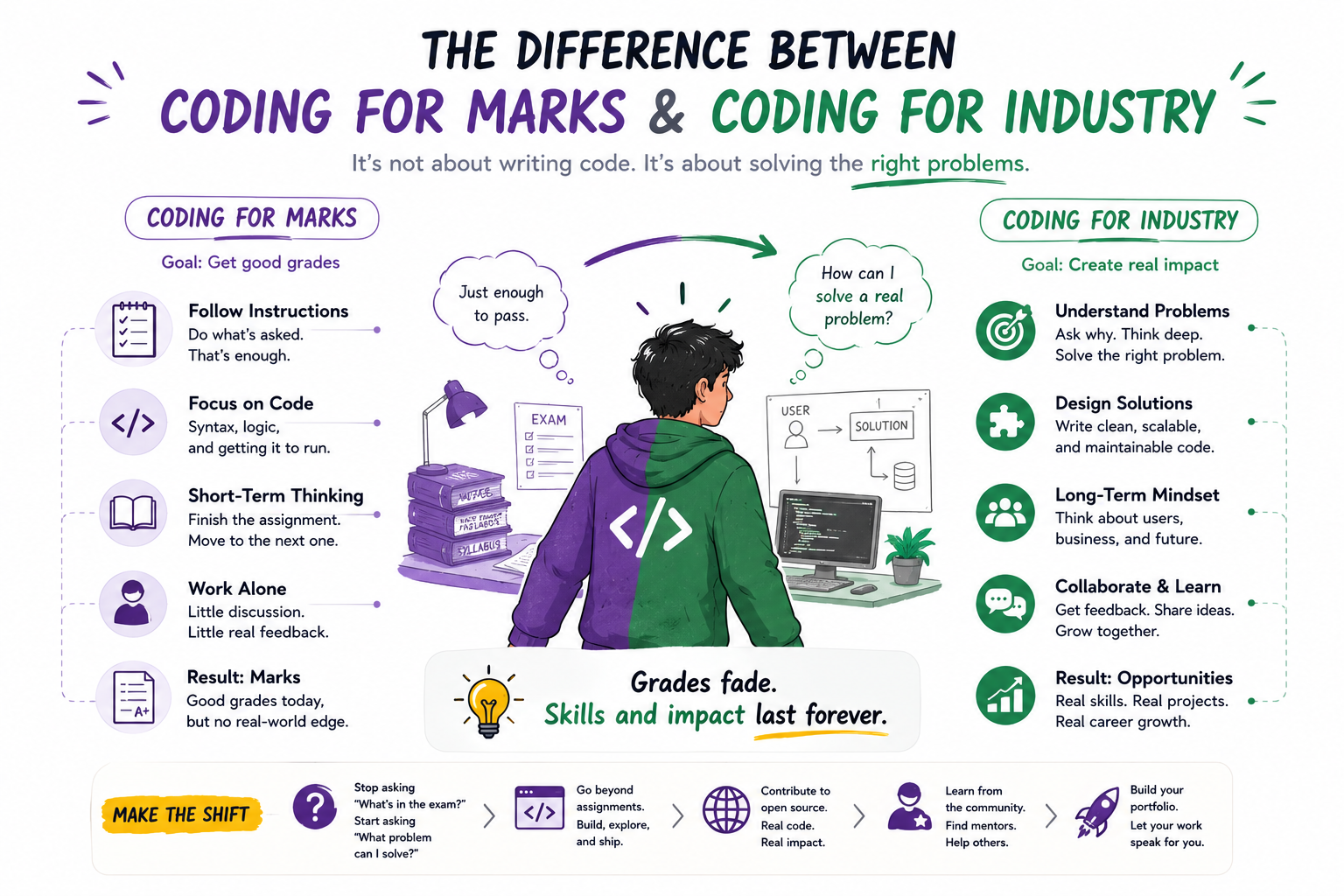
Many students build projects only to complete academic requirements. These projects may demonstrate programming knowledge but often lack the qualities that real companies expect from production software.
An industry-ready project goes beyond functionality. It demonstrates software engineering principles, scalability, security, maintainability, teamwork, deployment, and real-world problem solving.
This is why two students may have the same programming knowledge, yet one receives interview calls while the other struggles to stand out.
Understanding what makes a project industry-ready can significantly improve your portfolio, GitHub profile, and career opportunities.
What is a College-Ready Project?
A college-ready project is primarily built to:
- Complete an Assignment
- Pass an Examination
- Demonstrate Basic Concepts
- Meet Academic Requirements
Examples:
- Calculator Application
- Student Record System
- Library Management System
- Basic To-Do Application
These projects help students learn programming but often lack real-world engineering practices.
What is an Industry-Ready Project?
An industry-ready project is built as if real users will use it.
It focuses on:
- User Experience
- Scalability
- Security
- Reliability
- Performance
- Maintainability
Examples:
- E-Commerce Platform
- Learning Management System
- CRM Software
- Online Examination Platform
- AI Resume Analyzer
- Hospital Management System
- Job Portal
Industry-ready projects demonstrate professional software engineering skills.
Difference #1: Solving Academic Problems vs Real Problems
College Project
Built to satisfy project submission requirements.
Industry-Ready Project
Built to solve real business or user challenges.
Before starting development, ask:
- Who will use this product?
- What problem does it solve?
- Why would someone use it?
Projects that solve genuine problems attract more recruiter attention.
Difference #2: Single User vs Multiple Users
Many academic projects assume a single user.
Real applications support:
- Customers
- Administrators
- Managers
- Employees
Industry-ready systems include role-based access control and multiple user types.
Difference #3: Local Machine vs Online Deployment
One of the biggest differences:
College Project
Runs only on a local computer.
Industry-Ready Project
Accessible online through:
- Domain Name
- Cloud Hosting
- Web Server
Deployment demonstrates complete software development capability.
Difference #4: Hardcoded Data vs Real Databases
Many student projects use:
- Static Data
- Hardcoded Values
Professional applications use:
- MySQL
- PostgreSQL
- MongoDB
- SQL Server
Proper database design is essential.
Difference #5: No Authentication vs Secure Access
Industry applications include:
- Login Systems
- Registration
- Password Encryption
- Session Management
- Authorization
Security is a mandatory requirement in production systems.
Difference #6: Simple UI vs Professional User Experience
Academic projects often prioritize functionality only.
Industry-ready projects focus on:
- Responsive Design
- Accessibility
- Navigation
- User Experience
A well-designed interface improves adoption and usability.
Difference #7: No Version Control vs Git & GitHub
Professional development relies on:
- Git
- GitHub
- Pull Requests
- Branching Strategies
Industry-ready projects should always be maintained in a Git repository.
Recruiters often evaluate GitHub profiles.
Difference #8: No Documentation vs Professional Documentation
Documentation is critical in software development.
Industry-ready projects include:
- README Files
- API Documentation
- Installation Guides
- Architecture Diagrams
Documentation improves maintainability and collaboration.
Difference #9: No Testing vs Quality Assurance
College projects are often tested manually.
Industry-ready projects include:
Unit Testing
Testing individual components.
Integration Testing
Testing system interactions.
Automated Testing
Ensuring software reliability.
Quality assurance is a core software engineering practice.
Difference #10: Small Scope vs Scalable Architecture
Academic projects typically focus on basic functionality.
Professional applications consider:
- Scalability
- Performance
- Load Handling
- Future Growth
Architecture determines long-term success.
Difference #11: No APIs vs Service Integration
Modern applications frequently integrate with:
- Payment Gateways
- Email Services
- SMS Providers
- Cloud Storage
- Third-Party APIs
Integration experience demonstrates advanced development skills.
Difference #12: No Monitoring vs Operational Awareness
Production applications require:
- Error Logging
- Performance Monitoring
- Health Checks
Industry-ready projects should demonstrate awareness of operational concerns.
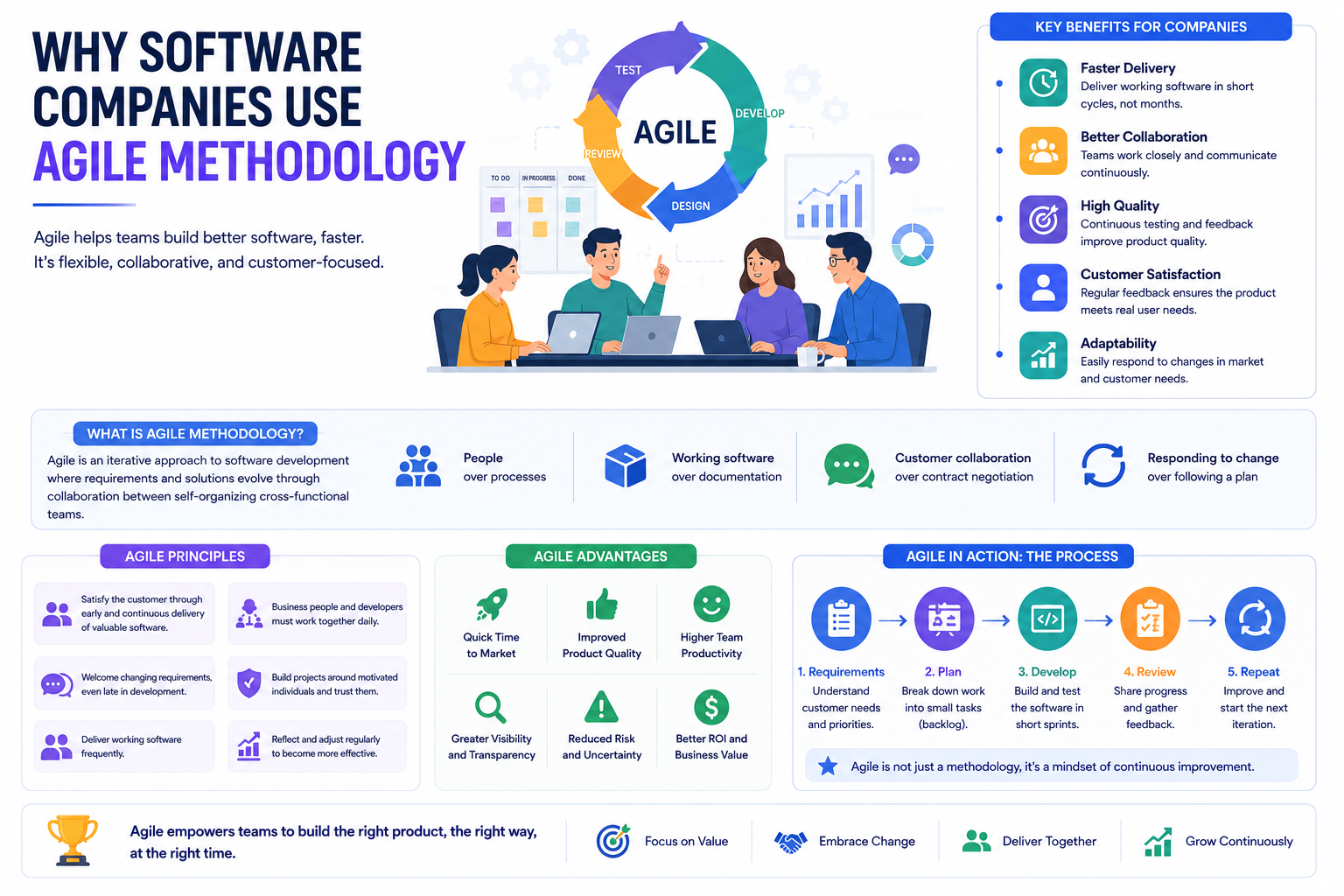
Difference #13: Individual Work vs Team Collaboration
Most college projects are completed individually.
Professional projects involve:
- Developers
- Designers
- Testers
- Product Managers
Using GitHub collaboration workflows strengthens project credibility.
Difference #14: Feature Completion vs Continuous Improvement
College projects often end after submission.
Industry-ready projects evolve through:
- User Feedback
- New Features
- Bug Fixes
- Performance Improvements
Continuous development reflects real-world software engineering.
Difference #15: Project Showcase vs Product Mindset
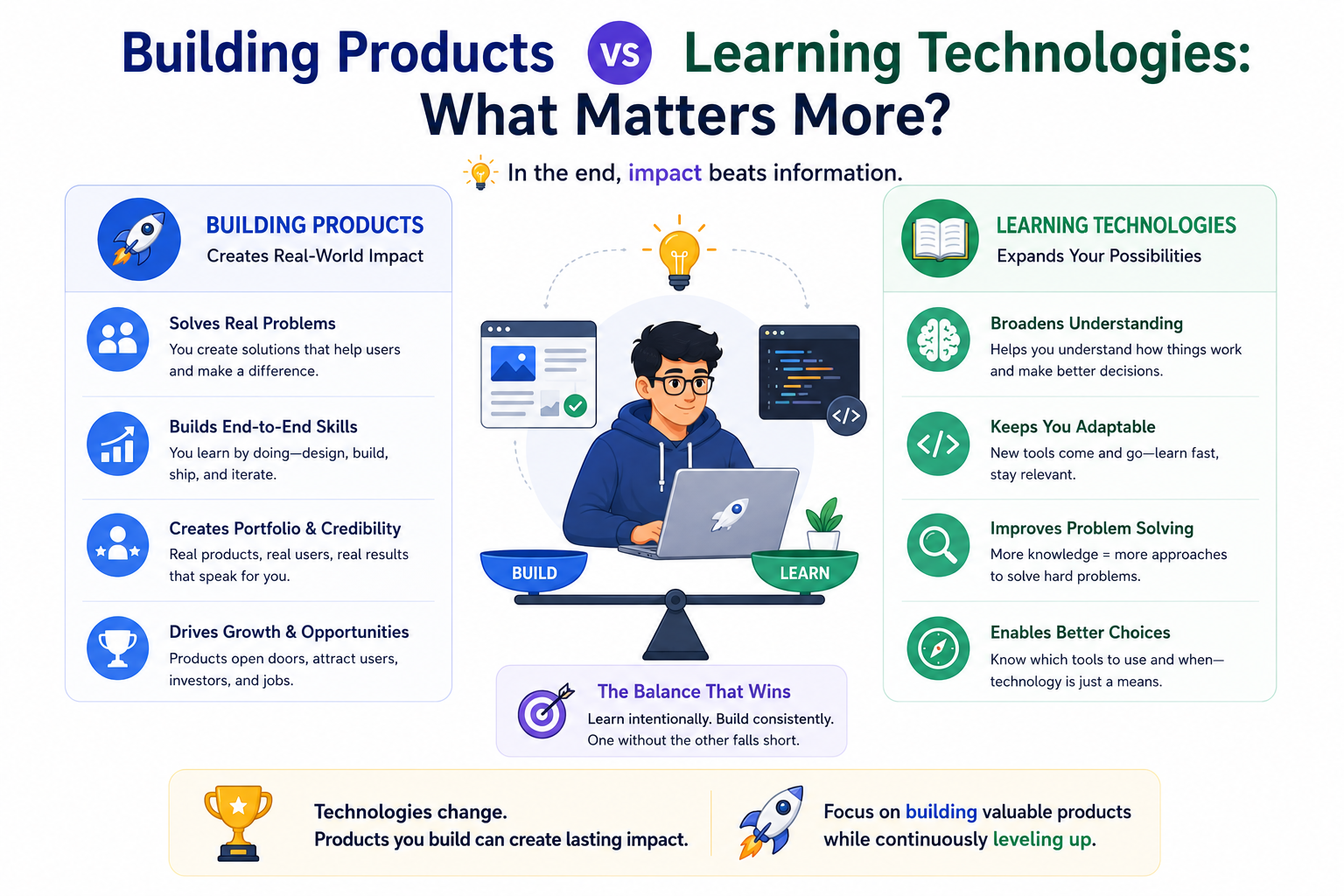
A college project demonstrates knowledge.
An industry-ready project demonstrates:
- Product Thinking
- User Understanding
- Business Awareness
This mindset shift creates stronger software engineers.
Features Every Industry-Ready Project Should Include
User Authentication
Secure login and registration.
Database Integration
Persistent data management.
Responsive Design
Mobile and desktop compatibility.
Cloud Deployment
Online accessibility.
Error Handling
Reliable user experience.
GitHub Repository
Version control and collaboration.
Documentation
Clear setup and usage instructions.
Security Measures
Protected user data.
Testing
Reliable functionality.
These features significantly improve project quality.
Examples of Industry-Ready Student Projects
E-Commerce Application
Features:
- Authentication
- Product Management
- Payments
- Order Tracking
Learning Management System
Features:
- Course Enrollment
- Video Lessons
- Progress Tracking
Job Portal
Features:
- Resume Upload
- Candidate Search
- Employer Dashboard
AI Resume Analyzer
Features:
- Resume Parsing
- Skill Matching
- Recommendations
These projects closely resemble real-world software products.
Why Recruiters Prefer Industry-Ready Projects
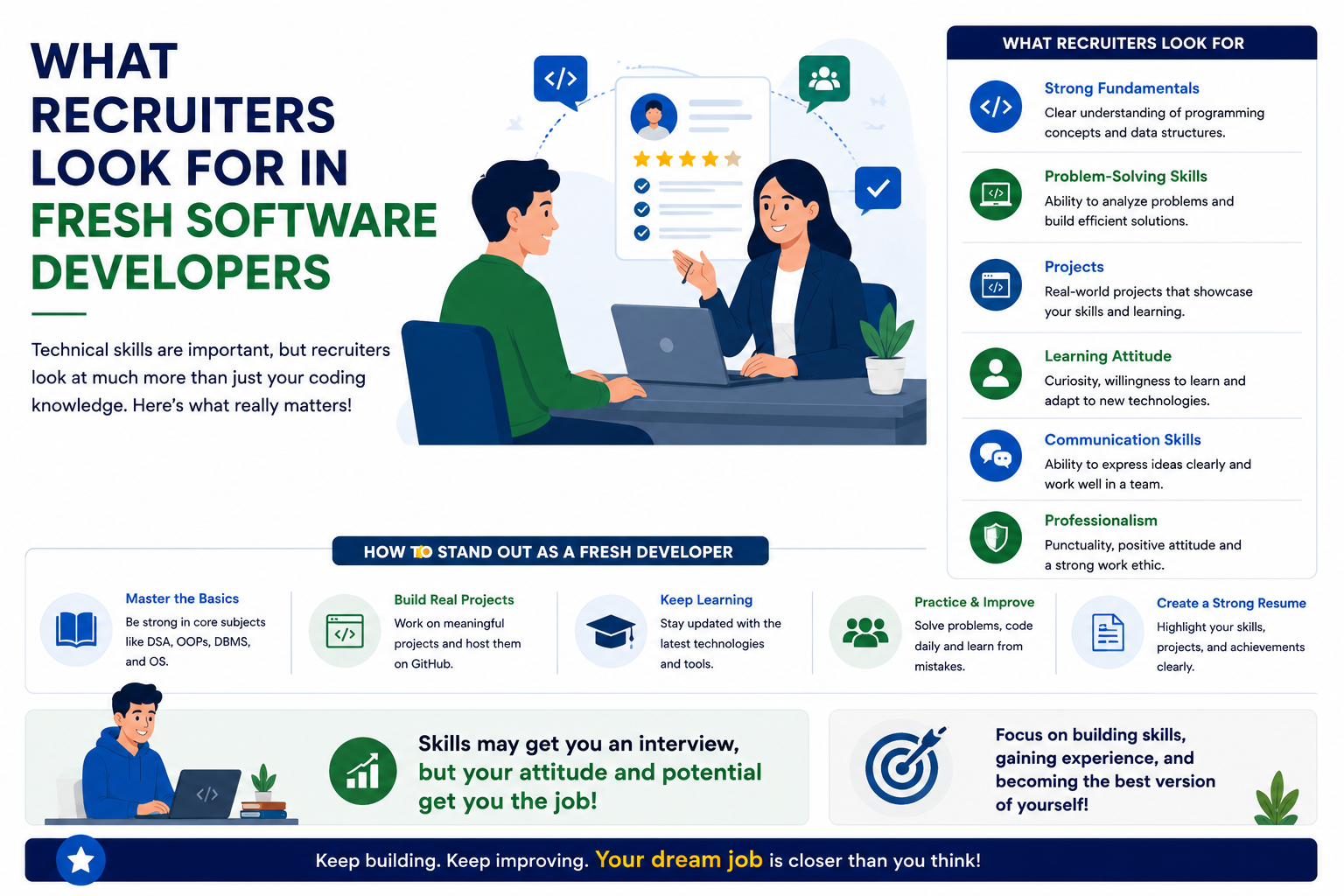
Recruiters view industry-ready projects as evidence of:
✅ Problem Solving
✅ Technical Skills
✅ Product Thinking
✅ Software Engineering Knowledge
✅ Initiative
Such projects provide stronger signals than simple academic assignments.
Common Mistakes Students Make
Building Only CRUD Applications
Basic CRUD functionality is not enough.
Ignoring Deployment
Projects should be accessible online.
No Documentation
Documentation reflects professionalism.
No Security
Security should be considered from the beginning.
No User Feedback
Understanding users improves product quality.
How to Upgrade a College Project into an Industry-Ready Project
Add Authentication
Implement secure user access.
Deploy Online
Host the application.
Improve UI/UX
Enhance usability.
Add Documentation
Create professional guides.
Implement Security
Protect user data.
Use GitHub
Track development professionally.
Add Real-World Features
Solve actual user problems.
Small improvements can significantly increase project value.
Future of Software Development Portfolios
As competition increases, recruiters increasingly evaluate:
- GitHub Profiles
- Deployed Projects
- Open Source Contributions
- Product Thinking
Industry-ready projects help students stand out.
Frequently Asked Questions
Do recruiters care about project quality?
Yes. Quality matters far more than project quantity.
Is deployment necessary?
Highly recommended. Deployed projects demonstrate practical skills.
Should students use GitHub?
Absolutely. GitHub is an industry standard.
Can a college project become industry-ready?
Yes. With proper enhancements and engineering practices.
Conclusion
The difference between a college-ready project and an industry-ready project lies in mindset, engineering practices, and real-world applicability. College projects focus on learning concepts, while industry-ready projects focus on solving user problems through scalable, secure, maintainable software.
Students who build industry-ready projects gain stronger portfolios, improve software engineering skills, attract recruiter attention, and significantly increase their chances of securing internships and software development jobs.
The goal should not be to complete a project for submission—it should be to create a product that users would actually want to use.
🌐 Website: https://grootacademy.com
📺 YouTube: https://www.youtube.com/@YourGrootAcademy
📘 Facebook: http://facebook.com/GrootAcademy
📸 Instagram: https://www.instagram.com/groot.academy/
🐦 X: https://x.com/GrootAcademy
💼 LinkedIn: https://www.linkedin.com/company/grootacademy
📌 Pinterest: https://in.pinterest.com/mygrootacademy/