


Google Ads Course in Jaipur
Explore paid advertising from keyword research and campaign setup through conversion measurement, bidding, reporting and optimization, with source-listed Google Ads project topics.
- Practical learning
- Project practice
- Jaipur
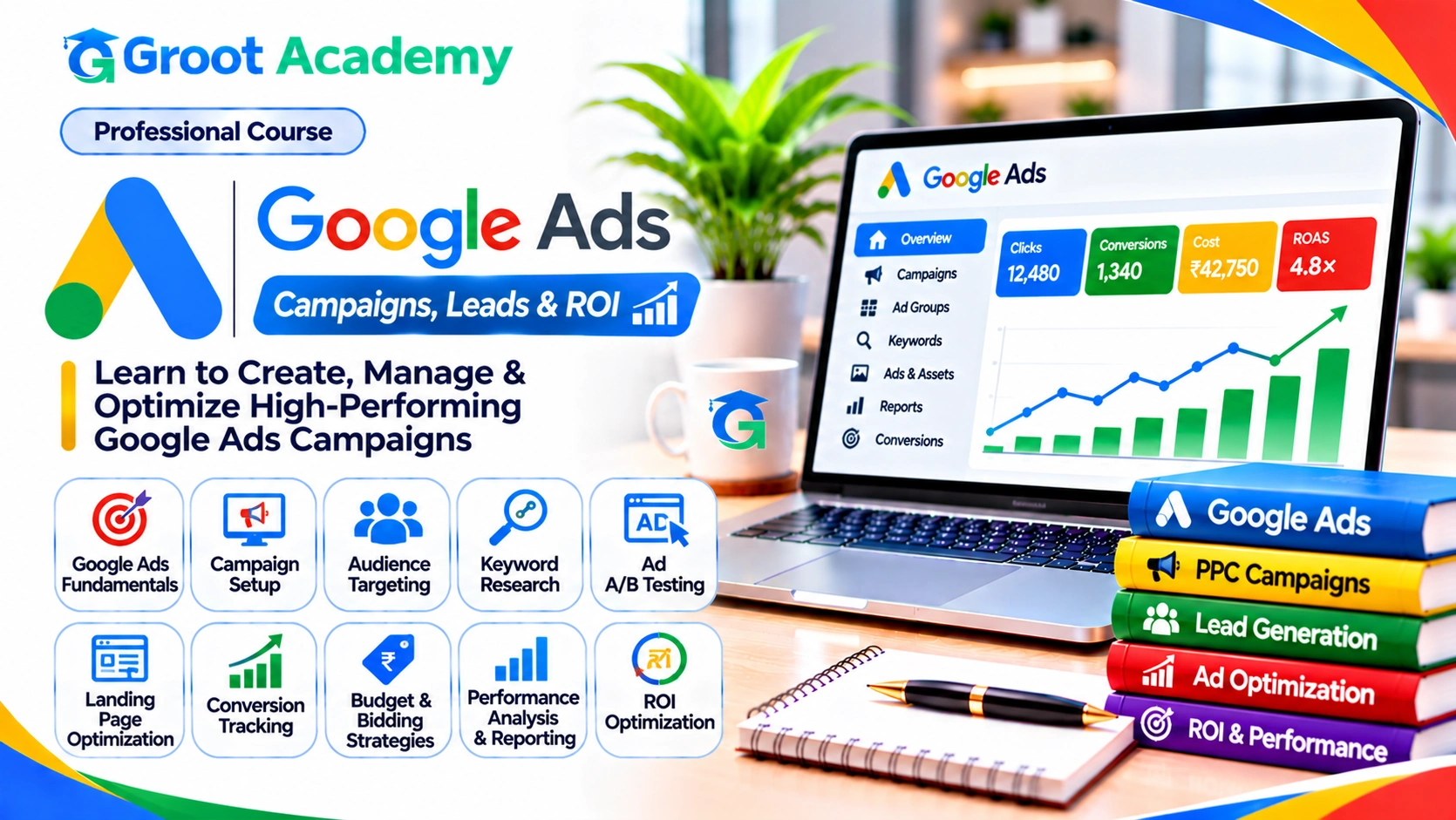
Google Ads
Explore Pooja Khowal's digital marketing learning hub
Compare seven Groot Academy programmes and related career guides. Ask the team to confirm the trainer assigned to your batch.
View Pooja Ma'am's leadership profile ↗ Read the course roadmap ↗Build your foundation in Google Ads
Explore paid advertising from keyword research and campaign setup through conversion measurement, bidding, reporting and optimization, with source-listed Google Ads project topics.
Who can join?
Learners interested in paid search, campaign planning and measuring advertising performance.
Skills and tools
Course curriculum
Explore the published learning outline below. Confirm the detailed syllabus and module coverage for your chosen batch with the course team.
Google Ads foundations and account structure
Understand account structure, campaign objectives, formats, policies and core PPC concepts.
- Introduction to Google Ads
- How Google Ads Works
- Understanding PPC Advertising
- Google Ads Account Structure
- Campaigns, Ad Groups, Ads & Keywords
- Understanding Google Ads Objectives
- Creating a Google Ads Account
- Understanding the Google Ads Dashboard
- Campaign Types
- Search Network vs Display Network
- Understanding Bidding Strategies
- Budget Planning
- Understanding Quality Score
- Ad Rank and Ad Auction
- Google Ads Policies and Guidelines
Keyword research and planning
Find and organize search terms by intent, match type, demand and relevance.
- Introduction to PPC Keyword Research
- Finding High-Intent Keywords
- Using Keyword Planner
- Understanding Search Volume
- Keyword Match Types
- Broad Match Keywords
- Phrase Match Keywords
- Exact Match Keywords
- Negative Keywords
- Creating Keyword Lists
Search campaigns and ad copy
Build Search campaigns, structure ad groups, write responsive ads and test improvements.
- Creating a Search Campaign
- Campaign Settings
- Location and Language Targeting
- Audience Targeting
- Creating Ad Groups
- Writing Effective Ad Copy
- Responsive Search Ads
- Ad Assets and Extensions
- Setting Budgets and Bids
- Launching a Search Campaign
- Understanding User Search Intent
- Writing High-CTR Headlines
- Creating Effective Descriptions
- Using Call-to-Action
- Dynamic Keyword Insertion
- Creating Multiple Ad Variations
- A/B Testing Ads
- Improving Click-Through Rate
- Improving Quality Score
- Ad Copy Optimization
Display campaigns
Plan Display placements, audiences, responsive creatives and campaign optimization.
- Introduction to Display Advertising
- Understanding Google Display Network
- Creating Display Campaigns
- Custom Audiences
- Remarketing Audiences
- Responsive Display Ads
- Image and Banner Ads
- Placement Targeting
- Display Campaign Optimization
Shopping campaigns
Work through Merchant Center, product feeds, Shopping setup and performance review.
- Introduction to Google Shopping
- Understanding Product Listings
- Setting Up Merchant Center
- Creating a Product Feed
- Connecting Merchant Center with Google Ads
- Creating Shopping Campaigns
- Product Groups
- Shopping Ad Optimization
- Performance Analysis
- Shopping Campaign Best Practices
YouTube advertising
Explore video campaign formats, audiences, creative planning, measurement and optimization.
- Introduction to YouTube Ads
- Understanding Video Campaign Types
- Creating Video Campaigns
- In-Stream Ads
- In-Feed Video Ads
- YouTube Audience Targeting
- Video Ad Creative Strategy
- Measuring Video Campaign Performance
- YouTube Ads Optimization
Performance Max
Set up asset groups, audience signals, conversion goals, reporting and optimization.
- Introduction to Performance Max
- Understanding Performance Max Campaign Structure
- Creating Asset Groups
- Adding Text, Images and Videos
- Audience Signals
- Conversion Goals
- Budget and Bidding Strategies
- Performance Max Reporting
- Optimization Strategies
- Performance Max Best Practices
Conversion tracking and analytics
Study conversion actions, website and form tracking, Tag Manager, Analytics and measurement.
- Introduction to Conversion Tracking
- Understanding Conversion Actions
- Website Conversion Tracking
- Form Submission Tracking
- Phone Call Tracking
- Button Click Tracking
- Google Tag Manager Basics
- Setting Up Google Analytics
- Connecting Google Analytics with Google Ads
- Measuring Conversion Performance
Remarketing
Build remarketing audiences, segmentation, exclusions, frequency controls and campaign improvements.
- Introduction to Remarketing
- Creating Remarketing Audiences
- Website Visitor Remarketing
- Customer List Audiences
- Audience Segmentation
- Dynamic Remarketing
- Remarketing Campaign Setup
- Frequency Management
- Audience Exclusions
- Remarketing Optimization
Bidding and scaling
Compare bidding approaches, allocate budget, adjust bids and plan measured campaign scaling.
- Manual vs Automated Bidding
- Maximize Clicks Strategy
- Maximize Conversions Strategy
- Target CPA
- Target ROAS
- Conversion Value Bidding
- Budget Allocation
- Bid Adjustments
- Understanding Learning Phase
- Scaling Profitable Campaigns
Reporting and optimization
Interpret metrics, search terms, audiences and device performance; prepare reports and optimize.
- Understanding Google Ads Metrics
- Impressions and Clicks
- CTR Analysis
- CPC and Cost Analysis
- Conversion Rate
- Cost Per Conversion
- ROAS Calculation
- Search Terms Report
- Campaign Performance Analysis
- Creating Client Reports
- Search Term Analysis
- Negative Keyword Optimization
- Landing Page Optimization
- Quality Score Improvement
- Audience Performance Analysis
- Device Optimization
- Location Optimization
- Day and Time Optimization
- Competitor Analysis
- Campaign Scaling Strategies
Campaign projects
Apply course topics to the source-listed lead, ecommerce, Search, Display, YouTube and Performance Max projects.
- Local Business Lead Generation Campaign
- E-Commerce Google Ads Campaign
- Search Ads Live Project
- Display Remarketing Campaign
- YouTube Advertising Campaign
- Performance Max Campaign
- Conversion Tracking Setup
- Campaign Optimization Project
- Google Ads Reporting Project
- Final Google Ads Live Project
Google Ads campaign projects
Use sample or authorized accounts, agree campaign goals and budget limits before launch, and document measurement and optimization decisions.
Local Business Lead Generation Campaign
Apply the course topics to this source-listed practical exercise.
E-Commerce Google Ads Campaign
Apply the course topics to this source-listed practical exercise.
Search Ads Live Project
Apply the course topics to this source-listed practical exercise.
Display Remarketing Campaign
Apply the course topics to this source-listed practical exercise.
YouTube Advertising Campaign
Apply the course topics to this source-listed practical exercise.
Performance Max Campaign
Apply the course topics to this source-listed practical exercise.
Conversion Tracking Setup
Apply the course topics to this source-listed practical exercise.
Campaign Optimization Project
Apply the course topics to this source-listed practical exercise.
Google Ads Reporting Project
Apply the course topics to this source-listed practical exercise.
Final Google Ads Live Project
Apply the course topics to this source-listed practical exercise.
Frequently asked questions
Quick answers about learning, projects, batches and the next step at Groot Academy.
Which Google Ads campaign types are covered?
The syllabus includes Search, Display, Shopping, YouTube and Performance Max campaigns.
Does the course cover conversion tracking?
Yes. Topics include conversion actions, website and form tracking, calls and clicks, Google Tag Manager and Analytics.
Are campaign projects included?
The source syllabus lists local lead-generation, ecommerce, Search, Display, YouTube, Performance Max, tracking, optimization and reporting projects.
Who is this course for?
Learners interested in paid search, campaign planning and measuring advertising performance.
How can I confirm fees, duration and batch timings?
Contact Groot Academy for the current syllabus, fees, duration and available learning modes before enrolling. These details depend on the selected course and batch.
What will I study in the Google Ads course?
Explore paid advertising from keyword research and campaign setup through conversion measurement, bidding, reporting and optimization, with source-listed Google Ads project topics.
Which skills and tools are covered in Google Ads?
The published learning outline includes Google Ads account and campaign structure, PPC keyword research, Search and responsive ad copy, Display and Shopping campaigns, YouTube advertising, Performance Max. See the skills section for the complete current outline and confirm the batch syllabus before joining.
What topics are included in the Google Ads curriculum?
The listed modules include Google Ads foundations and account structure, Keyword research and planning, Search campaigns and ad copy, Display campaigns, Shopping campaigns. Read the curriculum section for details; the delivery sequence can vary by batch.
What practical projects can I explore during Google Ads?
The page lists practice ideas such as Local Business Lead Generation Campaign, E-Commerce Google Ads Campaign, Search Ads Live Project, Display Remarketing Campaign. Ask the course team which project activities are included in your particular batch.
How can I use Google Ads projects in my portfolio?
Document the problem, the tools you used, the decisions you made and the result. Include working examples or a repository where appropriate, and explain your own contribution clearly.
Can a beginner start learning Google Ads?
Compare the course prerequisites and learning outline with your current skills. Beginners can ask the team which foundations to practise first and whether the next batch is suitable for their level.
What should I prepare before a Google Ads batch?
Review any stated prerequisites, plan regular practice time and ask which device, software and setup are required for the current batch.
Are online or classroom batches available for Google Ads?
Delivery mode depends on the active course batch. Contact Groot Academy to check the current online, offline or hybrid options instead of assuming every mode is available.
How can I check the latest Google Ads syllabus?
Review the published curriculum on this page and request the latest batch-specific outline from the course team. Topics or sequencing can change as the program is updated.
How much practice time should I plan for Google Ads?
Set aside consistent time to review lessons, practise exercises and work on projects. The appropriate weekly commitment depends on your experience, selected batch and course scope.
Will I receive a certificate after Google Ads?
Ask the course team about certificate availability, issuer, completion criteria and verification process for the specific batch. Do not assume a certificate is automatic for every program.
Does taking Google Ads guarantee a job?
No course alone guarantees employment. A strong learning plan combines technical understanding, independent projects, communication, interviews and suitable opportunities.
Can I ask about assignments and assessments before joining Google Ads?
Yes. Request the current batch learning plan and ask how exercises, project reviews, feedback and progress checks are organised.
What happens if I miss a Google Ads class?
Make-up lessons, recordings and attendance rules depend on the batch policy. Confirm these arrangements directly before paying or enrolling.
How do I enquire or enrol in Google Ads?
Use the enquiry form on the course page or contact Groot Academy. First confirm eligibility, current syllabus, schedule, fees and any applicable terms.
Ready to discuss Google Ads?
Ask the course team about syllabus coverage, current batch timings, fees, duration and learning modes before you decide.