


Figma Course in Jaipur
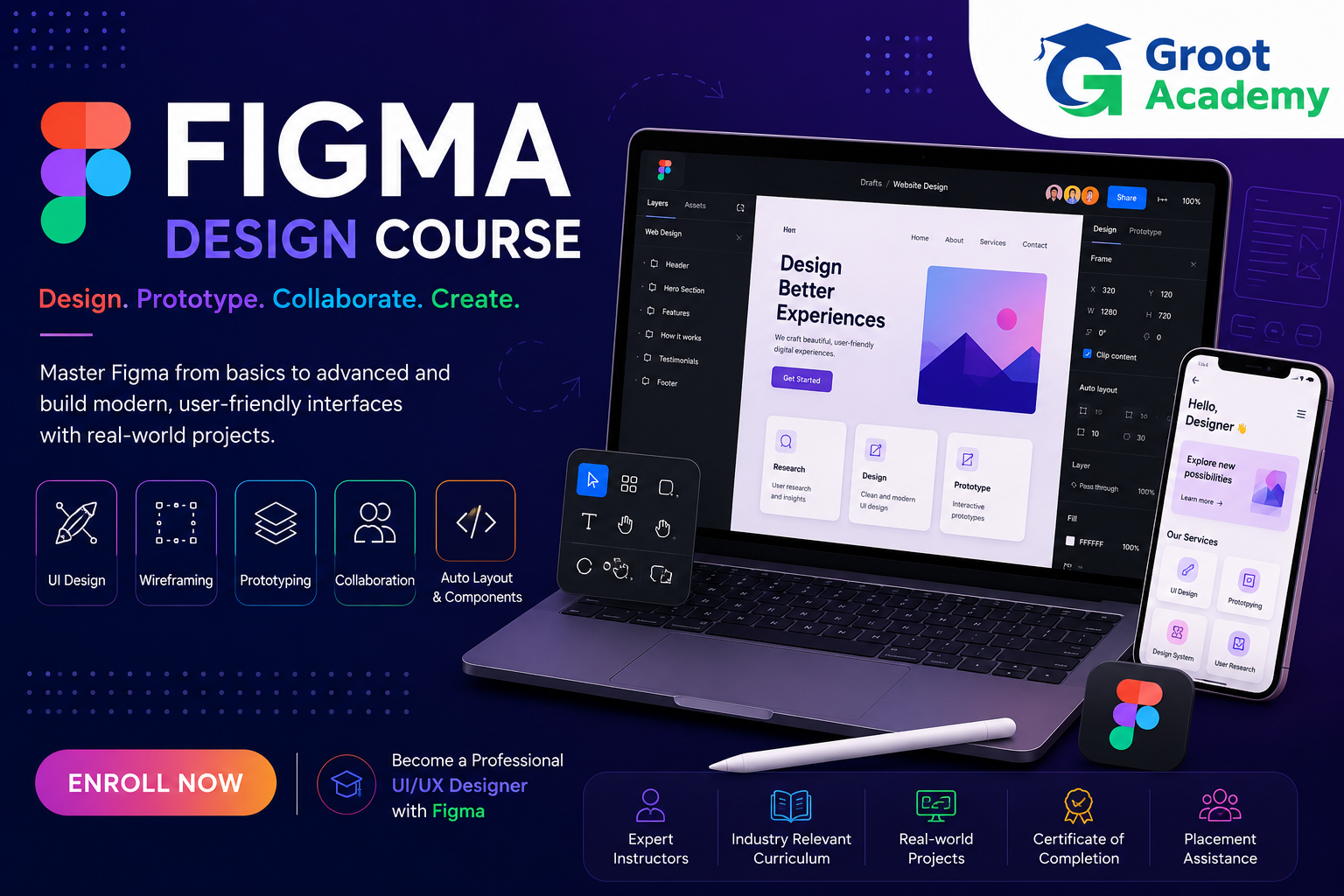
Build a detailed Figma workflow from frames and visual design to reusable components, responsive screens, interactive prototypes and developer handoff. Practice website and mobile app designs, then organize the work into a portfolio case study.
- Practical learning
- Project practice
- Jaipur
Figma
Build your foundation in Figma
Build a detailed Figma workflow from frames and visual design to reusable components, responsive screens, interactive prototypes and developer handoff. Practice website and mobile app designs, then organize the work into a portfolio case study.
Who can join?
Learners interested in interface design, prototyping and practical Figma workflows for websites and mobile applications.
Skills and tools
Course curriculum
Explore the published learning outline below. Confirm the detailed syllabus and module coverage for your chosen batch with the course team.
Introduction to Figma
Explore the workspace, interface, canvas and file organization.
- What is Figma?
- Understanding UI/UX Design with Figma
- Figma Plans and Workspace Overview
- Creating a Figma Account
- Understanding the Figma Interface
- Pages and File Organization
- Understanding Design Files and Projects
- Navigating the Canvas
- Using Zoom and View Tools
- Setting Up Your First Figma Project
Figma Interface and Basic Tools
Practice selection, frames, shapes, text, layers and basic tools.
- Understanding the Toolbar
- Selection and Move Tools
- Frame Tool
- Shape Tools
- Pen Tool Basics
- Text Tool
- Hand Tool and Comments
- Working with Layers Panel
- Using the Properties Panel
- Basic Tool Practice
Frames and Layout Fundamentals
Build structured frames with grids, presets, nesting and constraints.
- Understanding Frames
- Creating Desktop Frames
- Creating Mobile App Frames
- Using Device Presets
- Understanding Constraints
- Resizing Frames
- Nested Frames
- Layout Grids Introduction
- Columns and Rows
- Creating Structured Layouts
Shapes, Images and Design Elements
Create and manage shapes, images, icons and SVG assets.
- Working with Rectangles and Basic Shapes
- Editing Shape Properties
- Using Boolean Operations
- Adding and Cropping Images
- Using Image Fills
- Working with Icons
- Importing SVG Assets
- Creating Basic Illustrations
- Managing Design Assets
- Design Elements Practice
Typography and Text Styles
Develop readable type scales and reusable text styles.
- Typography Fundamentals
- Creating Text Layers
- Font Families and Font Weights
- Font Size and Line Height
- Letter Spacing and Paragraph Settings
- Text Alignment
- Creating Text Styles
- Building a Typography Scale
- Improving Text Readability
- Typography Practice Project
Colors and Visual Design
Use palettes, contrast, gradients and consistent color styles.
- Introduction to Color Theory
- Using Fill and Stroke Colors
- Creating Color Palettes
- Working with Gradients
- Understanding Color Contrast
- Creating Color Styles
- Visual Hierarchy with Color
- Brand Colors and UI Consistency
- Accessibility Basics for Colors
- Color System Project
Auto Layout
Build flexible layouts with padding, spacing, alignment and nested Auto Layout.
- Introduction to Auto Layout
- Creating Auto Layout Frames
- Understanding Padding
- Spacing Between Elements
- Alignment and Distribution
- Nested Auto Layout
- Resizing with Auto Layout
- Responsive Buttons and Cards
- Building Flexible Layouts
- Auto Layout Practical Project
Components and Variants
Create reusable components, instances, properties and variants.
- Introduction to Components
- Creating Main Components
- Creating Component Instances
- Editing Component Properties
- Introduction to Variants
- Creating Component Variants
- Interactive Component Concepts
- Nested Components
- Managing Component Libraries
- Components Project
Responsive Design and Constraints
Adapt layouts across screen sizes and test responsive designs.
- Introduction to Responsive UI Design
- Understanding Constraints
- Fixed and Responsive Elements
- Using Auto Layout for Responsive Design
- Designing for Different Screen Sizes
- Desktop to Mobile Adaptation
- Responsive Navigation Design
- Responsive Cards and Sections
- Testing Responsive Layouts
- Responsive UI Project
Prototyping in Figma
Connect screens with interactions, animation, overlays and prototypes.
- Introduction to Prototyping
- Creating Prototype Connections
- Navigation Interactions
- On Click and Hover Interactions
- Smart Animate Basics
- Transitions and Animations
- Overlays and Modals
- Interactive Components
- Prototype Settings
- Building an Interactive Prototype
Design Systems and Libraries
Organize reusable interface components, styles, tokens and libraries.
- Introduction to Design Systems
- Understanding UI Components
- Creating Buttons and Form Components
- Creating Navigation Components
- Building a Component Library
- Using Local Styles
- Using Shared Libraries
- Design Tokens Concepts
- Maintaining Design Consistency
- Mini Design System Project
Collaboration and Developer Handoff
Share files, manage feedback and prepare assets and designs for handoff.
- Sharing Figma Files
- Understanding Permissions
- Using Comments and Feedback
- Version History Basics
- Organizing Files for Teams
- Preparing Designs for Developers
- Inspecting Design Properties
- Exporting Assets
- Developer Handoff Best Practices
- Collaboration Project
Website UI Design Project
Work from a website brief through user flow, wireframes and responsive screens.
- Understanding a Website Design Brief
- Researching Website References
- Creating a Sitemap
- Planning Website User Flow
- Wireframing a Website
- Designing the Homepage
- Designing Inner Pages
- Creating Responsive Website Screens
- Creating Website Components
- Website UI Project Presentation
Mobile App Design Project
Design app flows, onboarding, authentication, navigation and an interactive prototype.
- Understanding Mobile App Design
- Planning Mobile App User Flows
- Creating Mobile Wireframes
- Designing Onboarding Screens
- Designing Authentication Screens
- Designing App Navigation
- Creating App Screens
- Building an Interactive App Prototype
- Testing the Mobile App Design
- Mobile App Design Project
Figma Portfolio and Live Project
Document a complete design workflow and prepare a portfolio case study.
- Understanding a Client Design Brief
- Planning a Complete Figma Project
- Creating Wireframes
- Designing High-Fidelity Screens
- Building a Reusable Component System
- Creating Interactive Prototypes
- Preparing Developer Handoff
- Writing a Figma Case Study
- Preparing Portfolio Screens
- Final Figma Live Project
Design project practice
Use the source-listed design briefs to discuss project scope, review criteria and portfolio presentation with the course team.
Website UI Design Project
Develop a website brief, user flow, wireframes and responsive interface screens.
Mobile App Design Project
Design app screens and navigation, connect an interactive prototype and review the design.
Mini Design System Project
Create consistent interface components, styles and a reusable library.
Final Figma Live Project
Prepare a complete design workflow, component system, prototype, developer handoff and case study.
Frequently asked questions
How is Figma training different from UI/UX Design?
This outline goes deeper into Figma tools, Auto Layout, components, responsive interfaces, prototypes and handoff. The broader UI/UX course also covers user research, personas, information architecture and usability testing.
Does the course cover Auto Layout and components?
Yes. The source syllabus includes nested Auto Layout, responsive buttons and cards, main components, instances, properties and variants.
What projects are included in the outline?
The source includes website UI, mobile app design, a mini design system and a final Figma project with portfolio preparation.
Is collaboration and developer handoff covered?
Yes. The outline includes sharing, permissions, comments, version history, exporting assets and preparing designs for developers.
Who is this course for?
Learners interested in interface design, prototyping and practical Figma workflows for websites and mobile applications.
How can I confirm fees, duration and batch timings?
Contact Groot Academy for the current syllabus, fees, duration and available learning modes before enrolling. These details depend on the selected course and batch.
Ready to discuss Figma?
Ask the course team about syllabus coverage, current batch timings, fees, duration and learning modes before you decide.