


Complete LinkedIn Guide for Students, Freshers, and Aspiring Software Engineers
In today’s digital hiring landscape, a LinkedIn profile is more than just an online resume. It is often the first place recruiters visit when evaluating candidates for internships, software development roles, data science positions, cybersecurity jobs, cloud engineering opportunities, and other IT careers.
Many students spend months improving technical skills but overlook the importance of creating a professional LinkedIn presence. A strong LinkedIn profile can help you attract recruiters, build industry connections, showcase projects, and discover career opportunities that may never appear on traditional job portals.
Whether you are a student, fresher, or early-career professional, optimizing your LinkedIn profile can significantly improve your chances of landing interviews and building a successful technology career.
Why LinkedIn Matters for IT Careers
LinkedIn is one of the world’s largest professional networking platforms.
Recruiters use LinkedIn to:
- Find Candidates
- Verify Skills
- Review Experience
- Assess Professional Presence
- Discover Technical Talent
A strong LinkedIn profile can help students become visible to recruiters even before graduation.
Benefits of Having a Professional LinkedIn Profile
Increased Recruiter Visibility
Many companies actively search LinkedIn for candidates.
Professional Networking
Connect with:
- Recruiters
- Software Engineers
- Industry Experts
- Hiring Managers
- Technology Leaders
Job Opportunities
LinkedIn regularly recommends relevant job openings.
Personal Branding
Your profile becomes your professional identity online.
Learning Opportunities
Follow companies, technology communities, and industry leaders.
Step 1: Use a Professional Profile Photo
Your profile picture creates the first impression.
Tips:
- Use a Clear Headshot
- Maintain Professional Appearance
- Use Good Lighting
- Avoid Group Photos
- Use a Neutral Background
Profiles with professional photos generally receive more attention.
Step 2: Create a Strong Headline
Most students only write:
“Student”
Instead, create a headline that highlights your skills and career goals.
Examples:
- Aspiring Software Engineer | Java Developer | Problem Solver
- Data Science Enthusiast | Python Developer | AI Learner
- Full Stack Developer | ReactJS | Node.js | Open to Opportunities
A strong headline improves profile visibility in searches.
Step 3: Write an Effective About Section
Your About section should summarize:
- Who You Are
- Technical Skills
- Career Interests
- Learning Journey
- Career Goals
Example:
“I am a Computer Science student passionate about software development, problem solving, and building real-world applications. I have experience with Java, Python, SQL, GitHub, and Full Stack Development. I enjoy working on projects, learning new technologies, and continuously improving my technical skills.”
Step 4: Highlight Technical Skills
Add relevant skills such as:
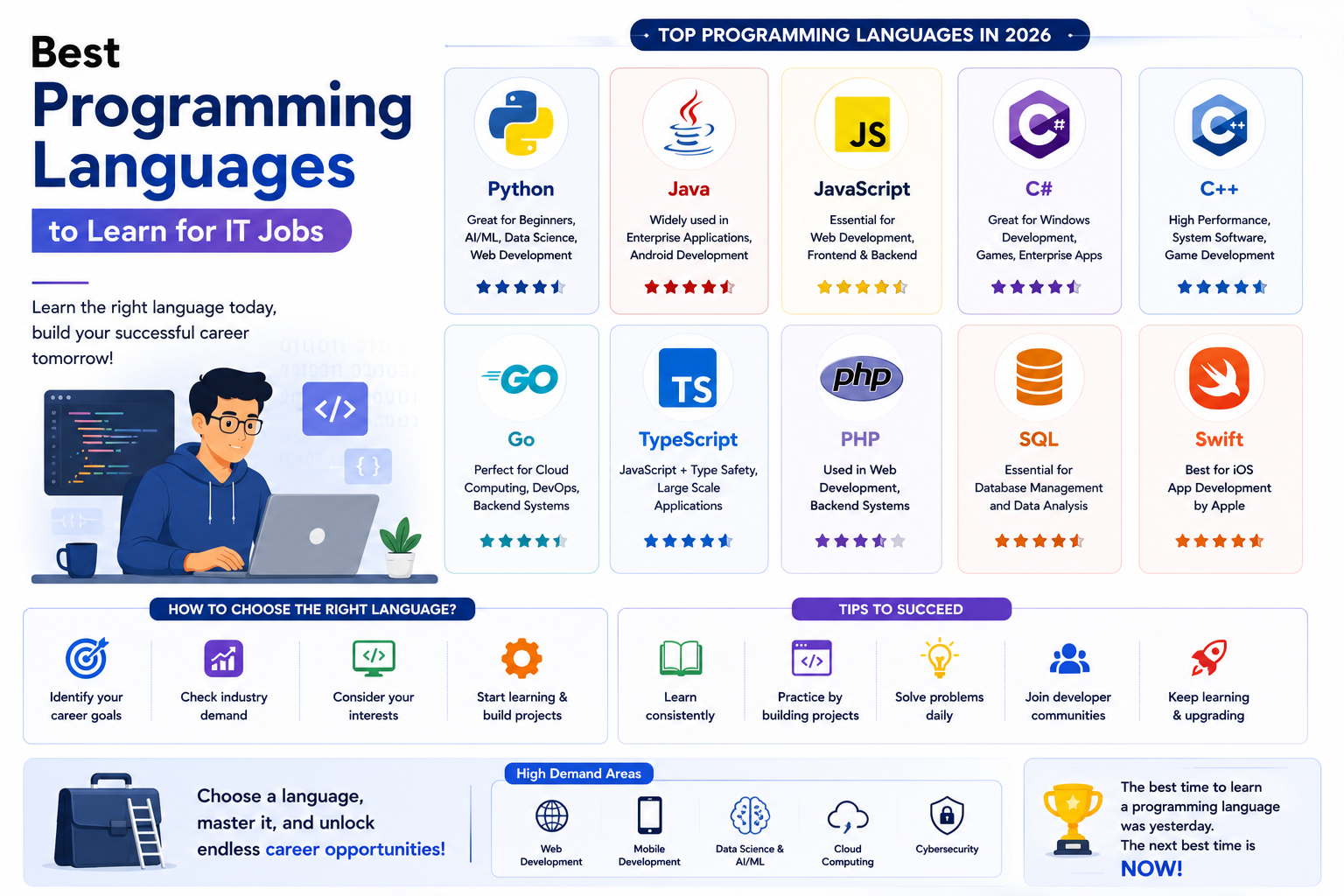
Programming Languages
- Java
- Python
- JavaScript
- C++
- C#
Web Development
- HTML
- CSS
- ReactJS
- Node.js
Databases
- MySQL
- PostgreSQL
- MongoDB
Other Technologies
- Git
- GitHub
- AWS
- Docker
These skills help recruiters find your profile.
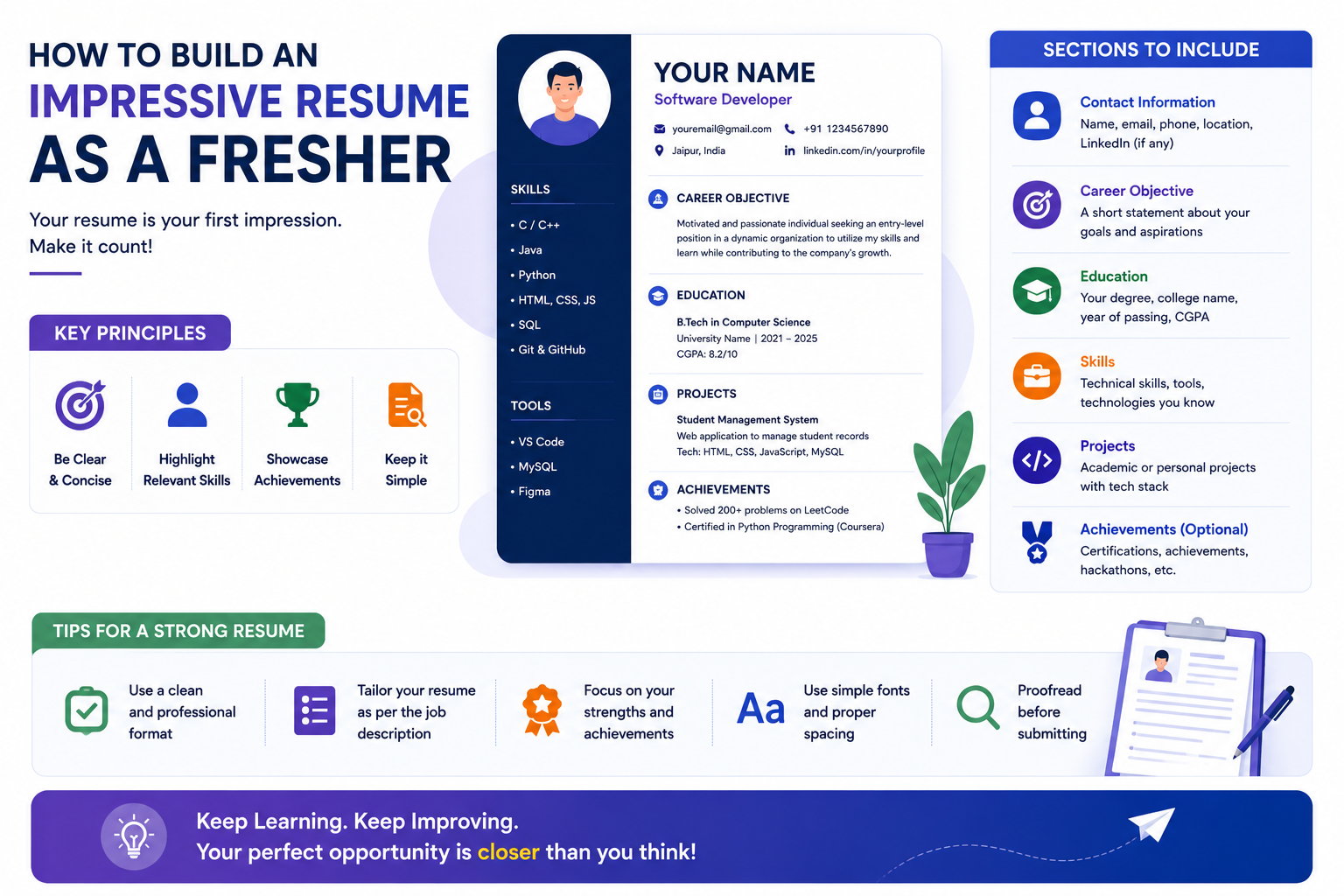
Step 5: Add Projects
Projects are one of the most important sections for students and freshers.
Examples:
Software Development Projects
- E-Commerce Website
- Inventory Management System
- CRM Application
AI Projects
- Chatbots
- Recommendation Systems
- Image Recognition Models
Data Science Projects
- Sales Forecasting
- Customer Analytics Dashboards
Include:
- Project Description
- Technologies Used
- GitHub Link
- Project Outcomes
Step 6: Add Internship Experience
Internships demonstrate practical exposure.
Include:
- Organization Name
- Internship Duration
- Responsibilities
- Technologies Used
- Achievements
Recruiters often prioritize candidates with internship experience.
Step 7: Add Certifications
Relevant certifications strengthen your profile.
Examples:
- Python Programming
- Java Development
- Data Science
- Artificial Intelligence
- Cloud Computing
- Cybersecurity
Focus on quality certifications rather than collecting dozens of certificates.
Step 8: Add GitHub Portfolio Links
A GitHub profile provides practical proof of technical skills.
Recruiters can evaluate:
- Coding Quality
- Project Experience
- Open Source Contributions
Always link your GitHub profile to LinkedIn.
Step 9: Customize Your LinkedIn URL
Instead of:
linkedin.com/in/user123456
Use:
linkedin.com/in/yourname
A custom URL appears more professional on resumes and portfolios.
Step 10: Collect Recommendations
Recommendations from:
- Mentors
- Trainers
- Managers
- Internship Supervisors
help improve credibility.
Positive recommendations strengthen professional trust.
Step 11: Share Valuable Content
Post regularly about:
- Technology Trends
- Programming
- Projects
- Certifications
- Career Learning
Consistent activity improves visibility.
Step 12: Build a Strong Network
Connect with:
- Recruiters
- Developers
- Alumni
- Industry Professionals
- Company Employees
Networking often leads to hidden opportunities.
Common LinkedIn Mistakes Students Make
Incomplete Profiles
Missing sections reduce visibility.
No Profile Photo
Professional photos improve profile strength.
No Projects
Projects demonstrate practical skills.
Weak Headlines
Generic headlines reduce discoverability.
Inactive Profiles
Regular activity helps maintain visibility.
How LinkedIn Helps During Job Search
A strong profile can help:
- Attract Recruiters
- Receive Interview Invitations
- Build Professional Relationships
- Discover Job Opportunities
- Showcase Technical Skills
Many recruiters now evaluate LinkedIn profiles before scheduling interviews.
LinkedIn Profile Checklist for IT Students
✅ Professional Photo
✅ Strong Headline
✅ Detailed About Section
✅ Technical Skills
✅ Projects
✅ Internship Experience
✅ Certifications
✅ GitHub Link
✅ Custom URL
✅ Professional Network
Frequently Asked Questions
Is LinkedIn necessary for IT students?
Yes. It significantly improves professional visibility and networking opportunities.
Should freshers use LinkedIn?
Absolutely. Many recruiters actively search for fresh talent on LinkedIn.
How many connections should I have?
Focus on quality professional connections rather than numbers alone.
Can LinkedIn help me get internships?
Yes. Many internship opportunities are shared directly through LinkedIn.
Conclusion
A strong LinkedIn profile can become one of the most valuable career assets for IT students and fresh graduates. It helps showcase skills, projects, internships, certifications, and professional achievements while making it easier for recruiters to discover your profile.
Students who invest time in building a professional LinkedIn presence often gain better networking opportunities, increased recruiter visibility, and stronger chances of securing internships and technology jobs.
🌐 Website: https://grootacademy.com
📺 YouTube: https://www.youtube.com/@YourGrootAcademy
📘 Facebook: http://facebook.com/GrootAcademy
📸 Instagram: https://www.instagram.com/groot.academy/
🐦 X: https://x.com/GrootAcademy
💼 LinkedIn: https://www.linkedin.com/company/grootacademy
📌 Pinterest: https://in.pinterest.com/mygrootacademy/