


How to Build a Technical Resume as a Fresher
Present your actual technical work clearly: relevant skills, focused projects, repository links, education and honest limitations.
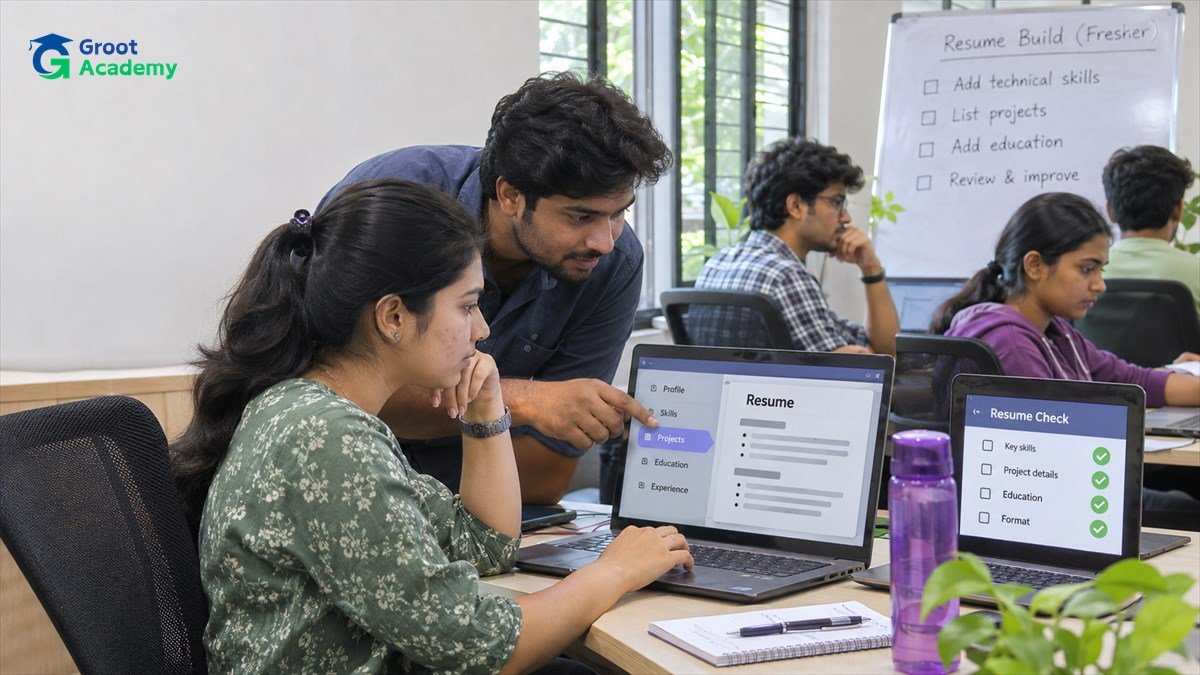
What should a technical resume do?
A resume is a short, accurate map to work you can explain. It helps a reader see your education, the technical areas you have practised and the projects or contributions that demonstrate those areas. It should not try to prove everything at once or make claims you cannot support in a conversation or repository.
For a fresher, focused projects and clear learning evidence can be more useful than a long list of generic tools. Choose details that match the kind of role or project path you are exploring, then keep the document easy to scan.
Essential sections for a first technical resume
| Section | What to include | What to avoid |
|---|---|---|
| Contact and links | A professional contact method and links you maintain, such as a portfolio or code repository. | Private account details, unnecessary personal data or links that do not work. |
| Short summary | One or two truthful lines about your current focus and the kinds of work you have practised. | Generic claims such as being an expert in every technology. |
| Skills | Grouped, relevant technologies you have actually used or studied. | An unstructured list of every tool you have heard of. |
| Projects | Problem, contribution, key technical choice, validation and a useful link. | Only a project title or copied tutorial description. |
| Education and learning | Relevant education, coursework or training you can accurately name. | Unverified credentials or outdated information. |
Describe projects so the work is understandable
For each project, state what it does for a user, the technologies you used, the part you built or changed and one technical decision or challenge. Include what you tested and any known limitation when that helps a reader understand the scope. Keep the description concise enough that you can expand on it naturally later.
For example, a task tracker can say that it stores tasks, validates required input and presents empty and error states. It should not say that it is “production ready” unless you have evidence for the operational, security and testing work behind that claim.
The final-year projects guide can help you scope a project into pieces that are easier to build and explain.
List skills honestly and in groups
Group skills around the work you have done: for example, language fundamentals, frontend, backend, data, tools or testing. Put the most relevant group first. If you are still learning a tool, describe the project or exercise where you used it instead of implying broad expertise.
Skills should support the project evidence, not replace it. A reader can learn more from a small React project with a README and repository than from a page containing dozens of framework names. The IT skills roadmap explains how practice across programming, data, Git and testing connects.
Use links as evidence, not decoration
Before adding a repository, check that the README explains the purpose, setup, main features and known limitations. Remove secrets, personal data and unlicensed material. If a deployed demo is available, make sure it shows fictional data and clearly works before sharing it.
Use a link that takes the reader directly to the relevant project. The GitHub portfolio guide has more detail on organising project evidence honestly.
Keep formatting readable
- Use clear headings, consistent dates and enough white space.
- Prefer short bullets with concrete verbs over dense paragraphs.
- Make links readable in both digital and printed copies.
- Keep the document to the detail needed for your current experience.
- Use a plain format that remains readable without special fonts or images.
Read the final document at normal zoom and on a small screen. A clean layout should make the project names and evidence easy to find, not compete with them visually.
Review before sharing
- Check every date, title, technology and link for accuracy.
- Ask whether you can explain each listed skill and project decision.
- Remove claims about outcomes you cannot verify.
- Check spelling, grammar and consistent formatting.
- Tailor the order of projects and skills to the actual role or learning opportunity, without inventing experience.
Update the document when a project changes or a link becomes unavailable. An accurate small resume is more useful than an inflated one.
Frequently asked questions
Should I include projects as a fresher?
Yes, when they are work you can explain. Include the user problem, your contribution, a technical choice and an appropriate repository or demo link.
Should I list every technology I have seen?
No. List skills that are relevant and supported by practice. Grouping them makes the document more readable and avoids implying experience you do not have.
Can I include a tutorial project?
You can describe it honestly, name the starting resource when appropriate and explain your own changes. Do not present copied work as an original independent project.
Strengthen the work behind the resume
Build one focused project, write a clear README and keep a useful record of the checks you ran.
Build a GitHub Portfolio