


Windows Server Administration Course in Jaipur
Build practical Windows Server administration skills across server setup, identity, network services, file access, web hosting, automation, security, virtualization and recovery.
- Practical learning
- Project practice
- Jaipur
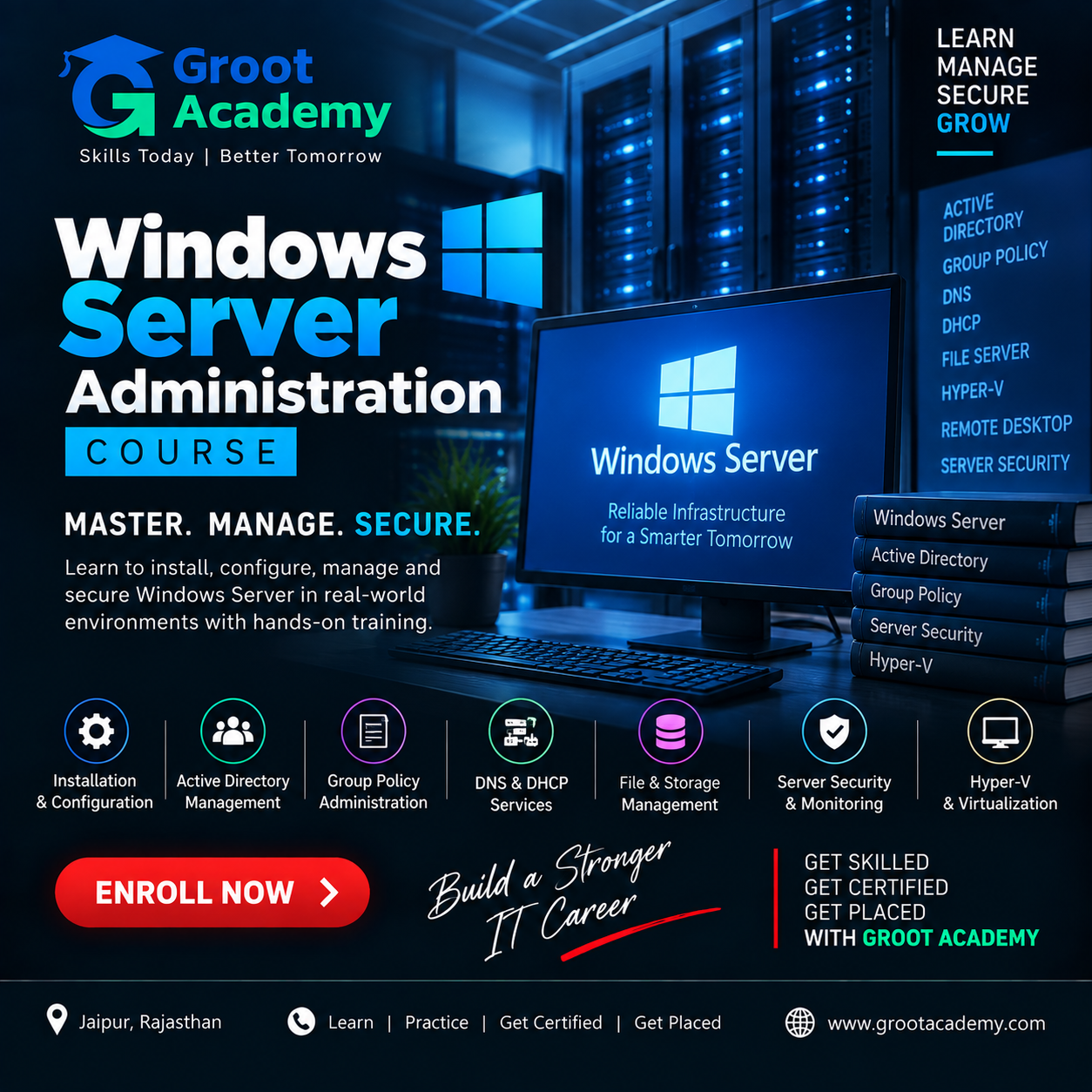
Windows Server Administration
Build your foundation in Windows Server Administration
Build practical Windows Server administration skills across server setup, identity, network services, file access, web hosting, automation, security, virtualization and recovery.
The source curriculum begins with Windows Server editions, roles, management tools and installation, then covers initial configuration, Server Manager and the lab environment.
The learning path moves through Active Directory, users and groups, Group Policy, DNS and DHCP, file services, IIS, PowerShell, security, Hyper-V, backup, disaster recovery, monitoring and troubleshooting. The 140 published lesson titles include focused administration projects and a final capstone.
Who can join?
Students and beginners building Windows Server administration skills IT support professionals studying identity, network and server operations Learners preparing a practice lab around the topics in the published course outline
Skills and tools
Course curriculum
Explore the published learning outline below. Confirm the detailed syllabus and module coverage for your chosen batch with the course team.
Server Foundations & Installation
Windows Server editions, licensing, architecture, roles and features · Management tools, hardware and software requirements, and lab setup · Installation methods, Server Core and Desktop Experience · Initial configuration, naming, workgroups, static IPs, updates and drivers
Active Directory & Domain Services
Domains, forests, functional levels and directory services · Install Active Directory Domain Services and configure domain controllers · Use Active Directory Users and Computers, Sites and Services, Global Catalog and operations master roles
Users, Groups & Group Policy
Create and manage accounts, profiles, passwords, policies and groups · Organize accounts with organizational units and delegated administration · Create, link and scope Group Policy Objects for users, computers, security and software · Review policy preferences, processing and troubleshooting
DNS, DHCP & Network Services
Install DNS and manage zones, records and forwarders · Configure forward and reverse lookup zones · Install DHCP and manage scopes, reservations, options and failover
Storage & File Services
Work with local disks, volumes, NTFS permissions and share permissions · Create file shares and combine NTFS and share access rules · Use access-based enumeration, quotas and file screening
IIS Web Server Administration
Install IIS and configure sites, applications and virtual directories · Manage bindings, host names and application pools · Configure authentication, authorization, SSL/HTTPS, logging and monitoring
PowerShell & Remote Administration
Use PowerShell cmdlets, help, objects and pipelines · Manage services, users, groups, Active Directory, files and storage · Administer remote servers and write automation scripts
Security & Server Hardening
Use Windows Defender, Windows Firewall and secure remote administration · Review user rights, security policies, auditing and event logs · Apply security baselines, least privilege and server-hardening practices
Hyper-V Virtualization
Install the Hyper-V role and configure virtual switches · Create virtual machines and manage storage, networking and checkpoints · Use integration services, backup and Hyper-V management tools
Backup, Recovery & Availability
Plan Windows Server, system-state and bare-metal backups · Practise restore operations and disaster-recovery planning · Study failover clustering, Storage Replica, resilience and availability planning
Monitoring & Troubleshooting
Use Event Viewer, Performance Monitor, Resource Monitor and Task Manager · Investigate storage, network, Active Directory, DNS, DHCP and IIS issues · Apply administration best practices and document troubleshooting results
Integrated Administration Projects
Configure a small-business Windows network and Active Directory lab · Implement DNS, DHCP and Group Policy; build a secure file server · Deploy an IIS web server, automate administration and practise backup and recovery · Complete the Windows Server administration capstone and review interview and certification preparation
Project practice ideas
Use these examples to discuss suitable practice work with your trainer.
Active Directory Administration Project
Use this as a practical project brief to plan, build, test and document your work.
DNS and DHCP Administration Project
Use this as a practical project brief to plan, build, test and document your work.
Windows File Server Project
Use this as a practical project brief to plan, build, test and document your work.
IIS Deployment Project
Use this as a practical project brief to plan, build, test and document your work.
Windows Server Hardening Project
Use this as a practical project brief to plan, build, test and document your work.
Windows Server Backup and Recovery Lab
Use this as a practical project brief to plan, build, test and document your work.
Final Windows Server Administration Capstone
Use this as a practical project brief to plan, build, test and document your work.
Roles to explore
Build a portfolio and practise explaining your work. Role requirements depend on the employer, your skills and experience.
- Windows System Administrator
- Server Administrator
- IT Support Engineer
- Infrastructure Administrator
Frequently asked questions
What topics are included in the Windows Server course?
The source outline includes installation, Active Directory, users and groups, Group Policy, DNS, DHCP, file services, IIS, PowerShell, security, Hyper-V, backups, recovery, monitoring and troubleshooting.
Does the curriculum include practical project topics?
Yes. Published lesson titles include administration projects for Active Directory, DNS and DHCP, file services, IIS, security, automation, virtualization, backup and troubleshooting, followed by a capstone.
Is PowerShell included?
Yes. The lesson titles cover cmdlets, help, objects and pipelines, server administration tasks, remote administration, scripts and automation.
Does the course cover Hyper-V and disaster recovery?
Yes. The source outline includes Hyper-V virtual machines and networking, Windows Server backup, restore operations, disaster recovery and availability topics.
Who is this course for?
Students and beginners building Windows Server administration skills IT support professionals studying identity, network and server operations Learners preparing a practice lab around the topics in the published course outline
How can I confirm fees, duration and batch timings?
Contact Groot Academy for the current syllabus, fees, duration and available learning modes before enrolling. These details depend on the selected course and batch.
Ready to discuss Windows Server Administration?
Ask the course team about syllabus coverage, current batch timings, fees, duration and learning modes before you decide.