

Docker Course in Jaipur
Package and deliver containerized applications with Docker, from image builds and networking to Compose, security and release workflows.
- Practical learning
- Project practice
- Jaipur
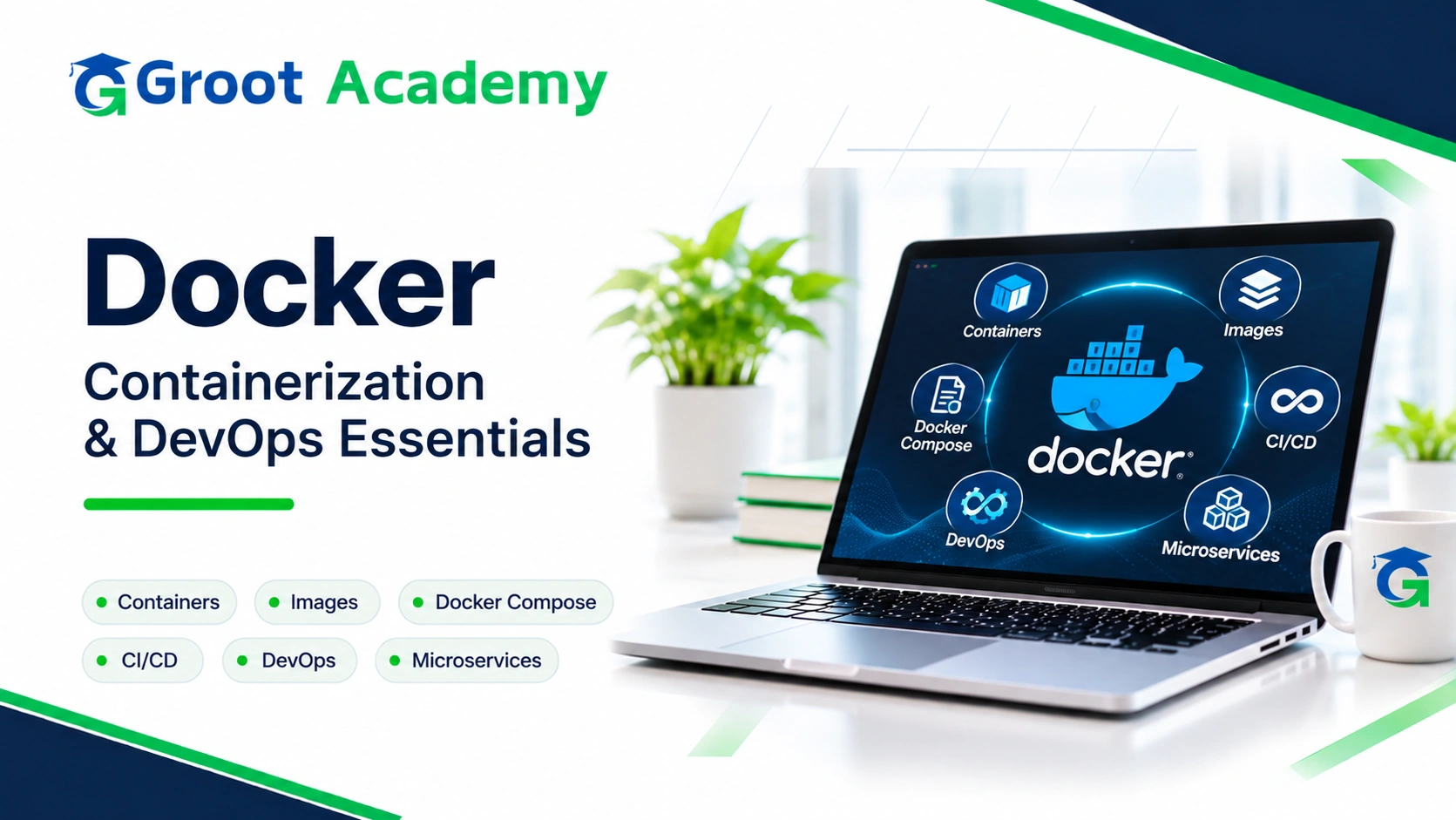
Docker
Build your foundation in Docker
Package and deliver containerized applications with Docker, from image builds and networking to Compose, security and release workflows.
The course outline moves from Docker architecture and container operations through custom images, networking, persistent storage, Compose and registry workflows.
Later topics cover image and runtime security, CI/CD, production troubleshooting, and an introduction to Docker and Kubernetes deployment concepts.
Who can join?
Learners building web or backend applications Developers who want to package and deploy applications with containers
Skills and tools
Course curriculum
Explore the published learning outline below. Confirm the detailed syllabus and module coverage for your chosen batch with the course team.
Docker Foundations
Docker architecture, engine, images, containers and registries · Install Docker and use the CLI lifecycle commands · Configure environment variables and ports · Inspect logs, troubleshoot containers and understand image layers
Images & Dockerfiles
Write Dockerfiles and build custom images · Use image tags, versions and publishing workflows · Optimize images with multi-stage builds · Apply Dockerfile and image-management best practices
Networking & Persistent Data
Configure bridge, host, none and custom networks · Connect containers and troubleshoot ports, DNS and service discovery · Use volumes, bind mounts and temporary storage · Back up, restore and protect container data
Compose & Registries
Define services, networks and volumes in Compose YAML · Configure multi-container applications and environment settings · Work with Docker Hub and private registries · Manage registry authentication, image retention and distribution
Container Security & Operations
Scan images and review vulnerability-management workflows · Understand users, capabilities, seccomp and Linux security · Apply secrets, resource limits and runtime-security practices · Troubleshoot Docker production workflows
CI/CD & Deployment Projects
Build and publish images in CI/CD pipelines · Explore Docker and Kubernetes deployment concepts · Design a production-ready Docker application · Containerize a web application with a database · Deploy and monitor a multi-container project · Work through a container release workflow and final troubleshooting
Project practice ideas
Use these examples to discuss suitable practice work with your trainer.
Build and push images in a CI/CD pipeline
Use this as a practical project brief to plan, build, test and document your work.
Containerize a web application with a database
Use this as a practical project brief to plan, build, test and document your work.
Design a production-ready Docker application
Use this as a practical project brief to plan, build, test and document your work.
Deploy and monitor a multi-container project
Use this as a practical project brief to plan, build, test and document your work.
Frequently asked questions
Quick answers about learning, projects, batches and the next step at Groot Academy.
Does the course include multi-container applications?
Yes. The outline covers Docker Compose services, networks and volumes, plus a multi-container application project.
Is container security included?
Yes. Topics include image scanning, vulnerability management, Linux users and capabilities, seccomp, secrets and runtime security.
Does this include Kubernetes?
The outline introduces Docker and Kubernetes deployment concepts; it is not presented as a full Kubernetes administration course.
Are CI/CD workflows covered?
Yes. The source syllabus includes building and pushing container images in CI/CD pipelines.
Who is this course for?
Learners building web or backend applications Developers who want to package and deploy applications with containers
How can I confirm fees, duration and batch timings?
Contact Groot Academy for the current syllabus, fees, duration and available learning modes before enrolling. These details depend on the selected course and batch.
What will I study in the Docker course?
Package and deliver containerized applications with Docker, from image builds and networking to Compose, security and release workflows.
Which skills and tools are covered in Docker?
The published learning outline includes Docker images, containers and registries, Dockerfiles, image layers and multi-stage builds, Container networking, ports and service discovery, Volumes, bind mounts and persistent data, Docker Compose for multi-container applications, Registry access, image versioning and security scanning. See the skills section for the complete current outline and confirm the batch syllabus before joining.
What topics are included in the Docker curriculum?
The listed modules include Docker Foundations, Images & Dockerfiles, Networking & Persistent Data, Compose & Registries, Container Security & Operations. Read the curriculum section for details; the delivery sequence can vary by batch.
What practical projects can I explore during Docker?
The page lists practice ideas such as Build and push images in a CI/CD pipeline, Containerize a web application with a database, Design a production-ready Docker application, Deploy and monitor a multi-container project. Ask the course team which project activities are included in your particular batch.
How can I use Docker projects in my portfolio?
Document the problem, the tools you used, the decisions you made and the result. Include working examples or a repository where appropriate, and explain your own contribution clearly.
Can a beginner start learning Docker?
Compare the course prerequisites and learning outline with your current skills. Beginners can ask the team which foundations to practise first and whether the next batch is suitable for their level.
What should I prepare before a Docker batch?
Review any stated prerequisites, plan regular practice time and ask which device, software and setup are required for the current batch.
Are online or classroom batches available for Docker?
Delivery mode depends on the active course batch. Contact Groot Academy to check the current online, offline or hybrid options instead of assuming every mode is available.
How can I check the latest Docker syllabus?
Review the published curriculum on this page and request the latest batch-specific outline from the course team. Topics or sequencing can change as the program is updated.
How much practice time should I plan for Docker?
Set aside consistent time to review lessons, practise exercises and work on projects. The appropriate weekly commitment depends on your experience, selected batch and course scope.
Will I receive a certificate after Docker?
Ask the course team about certificate availability, issuer, completion criteria and verification process for the specific batch. Do not assume a certificate is automatic for every program.
Does taking Docker guarantee a job?
No course alone guarantees employment. A strong learning plan combines technical understanding, independent projects, communication, interviews and suitable opportunities.
Can I ask about assignments and assessments before joining Docker?
Yes. Request the current batch learning plan and ask how exercises, project reviews, feedback and progress checks are organised.
What happens if I miss a Docker class?
Make-up lessons, recordings and attendance rules depend on the batch policy. Confirm these arrangements directly before paying or enrolling.
How do I enquire or enrol in Docker?
Use the enquiry form on the course page or contact Groot Academy. First confirm eligibility, current syllabus, schedule, fees and any applicable terms.
Ready to discuss Docker?
Ask the course team about syllabus coverage, current batch timings, fees, duration and learning modes before you decide.