


Learn Python in 30 Days: Beginner Study Plan
A realistic 30-day Python study plan for beginners who want to build programming habits, practise core concepts and finish a small, explainable project.
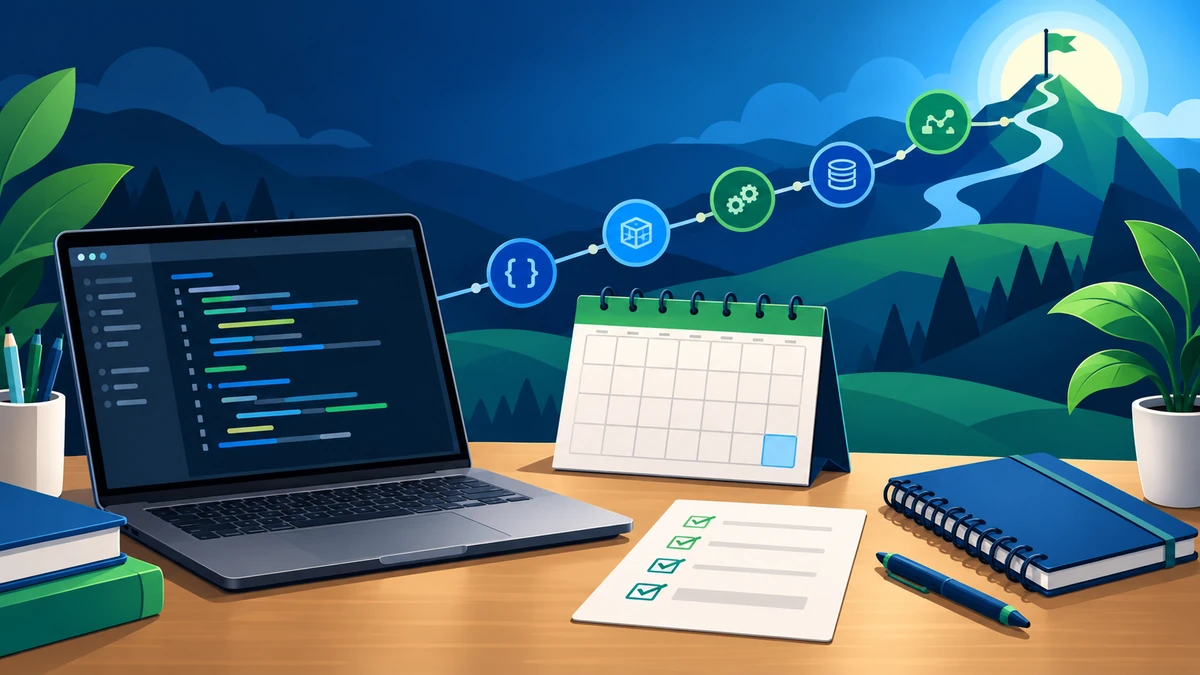
Use the 30-day plan as a foundation, not a finish line
Thirty days can be enough time to build a consistent Python practice habit and understand the most important beginner concepts. It is not a promise that every learner will master Python in a month. The useful goal is simpler: write small programs regularly, learn how to trace a problem, and leave the month with a project you can explain.
Set aside a realistic focused session each day. For many beginners, 45 to 90 minutes works better than an occasional long session. Keep one notebook or document for examples, errors and questions. When a program does not work, record what you expected, what happened and what you changed. That record turns confusing moments into reusable lessons.
Days 1–7: set up, syntax and program flow
Begin by installing a current Python environment and running a tiny script from the editor or terminal you plan to use. Learn how to create a file, run it, read an error message and change one line at a time. That basic loop is as important as any syntax rule.
- Days 1–2: values, variables, basic input and output, comments, and simple arithmetic.
- Days 3–4: strings, numbers, booleans, comparisons and clear variable names.
- Days 5–6:
if,elif,else, and decisions based on input. - Day 7:
forandwhileloops, then a short review by rewriting a few examples without copying.
Practise with small tasks: calculate a bill total, label a score range, print a multiplication table, or repeat a prompt until the input is valid. Focus on making the output predictable before trying clever shortcuts.
Days 8–14: collections, functions and useful patterns
The second week is about organising values and avoiding repeated code. Work through strings and the main built-in collection types: lists, tuples, dictionaries and sets. Rather than memorising every method, learn what each structure is useful for and test it with a few examples.
- Days 8–9: index, slice and transform strings; check length and clean basic input.
- Days 10–11: add, remove, search and loop through list items.
- Day 12: store labelled data in dictionaries and count or group simple values.
- Days 13–14: define functions, pass arguments, return a value and test a function with ordinary and edge-case input.
Try a contact list stored in a dictionary, a simple expense total, or a word-frequency counter. These projects connect loops, conditions and data structures without requiring a large codebase.
Days 15–21: organise programs and handle mistakes
Once a script has more than a few steps, organisation matters. This week introduces modules, exceptions, files and object-oriented programming at a beginner-friendly level. You do not need to build a complex class hierarchy; concentrate on why code is split into clear responsibilities.
- Days 15–16: import a standard-library module and move a small helper into its own file.
- Days 17–18: use
tryandexceptfor expected input or file problems, without hiding every error. - Day 19: read from and write to a simple text file safely.
- Days 20–21: create a small class with attributes and methods, then decide whether a function or a class is clearer for the task.
For each exercise, deliberately try an empty value, an unexpected value and an incorrect file name. Debugging becomes easier when you learn to reproduce a small failure instead of changing many lines at once.
Days 22–30: work with data, build a mini project and review
Use the final stretch to connect the topics you have practised. Explore JSON or another simple structured-data format, practise reading data into a collection, and use clear functions to process it. If you create a virtual environment, treat it as a way to keep a project’s dependencies separate, not as a topic to rush through.
- Days 22–23: read and write basic JSON data; validate the shape of what you load.
- Days 24–25: practise tracing, print-based debugging or a debugger, and write a few simple checks for a function.
- Day 26: plan a mini project: define the inputs, the main actions, the stored data and the awkward cases.
- Days 27–29: build the project in small parts and test after each meaningful change.
- Day 30: clean the code, add a short README, list what you learned and choose one next topic.
Good beginner project options include a task tracker that saves entries to a file, a quiz with score history, a basic library-record program, an expense tracker or a command-line study planner. Choose one small enough to finish, then improve it after the first working version.
A daily practice method that makes learning stick
Use the same short routine every day: read a concept, predict what a small example will do, write it yourself, test it with different values and explain the result in one or two sentences. If you use a tutorial, pause before the solution and try to complete the next step independently.
Avoid measuring progress only by how many videos or lessons you complete. A better check is whether you can create a small variation without looking at the original example. Save working exercises with meaningful file names, and revisit a few older problems at the end of each week.
What to learn after day 30
After this plan, strengthen the areas that felt least comfortable: functions, collections, files or debugging. Then choose a direction based on the kind of work you enjoy. Web-development learners can investigate backend concepts; data-focused learners can add SQL and data handling; automation learners can work with files and repeatable tasks.
For a broader view of Python pathways and beginner projects, read the Python Programming career guide. Learners who want a structured progression through foundations, practice and projects can also explore the Python Programming course.
Frequently asked questions
Can a beginner start this 30-day Python plan?
Yes. It starts with variables, conditions and loops before moving to functions, collections, files and a small project. Work at a pace that lets you understand each topic instead of forcing a fixed daily deadline.
How much time should I practise each day?
A consistent focused session is more useful than occasional marathon sessions. Many beginners can make steady progress with 45 to 90 minutes a day, including time to type and test code themselves.
Should I learn data science or web development during the first month?
Build core Python first. Once variables, functions, collections, files and debugging feel familiar, it is easier to choose a focused next path such as web development, data work or automation.
What should I include in my first Python project?
Define one clear purpose, a few inputs, useful output, and a small set of edge cases. Keep the first version simple, then improve validation, organisation and documentation after it works.
Build your Python foundation with guidance
Explore structured Python programming learning with practical exercises, debugging practice and project-based progress.
Explore Python Programming