


AI Productivity Tools Course in Jaipur
Explore practical AI assistance for workplace writing, research, documents, spreadsheets, meetings and repeatable workflows. The learning outline emphasizes checking accuracy, protecting information and using responsible judgment alongside productivity tools.
- Practical learning
- Project practice
- Jaipur
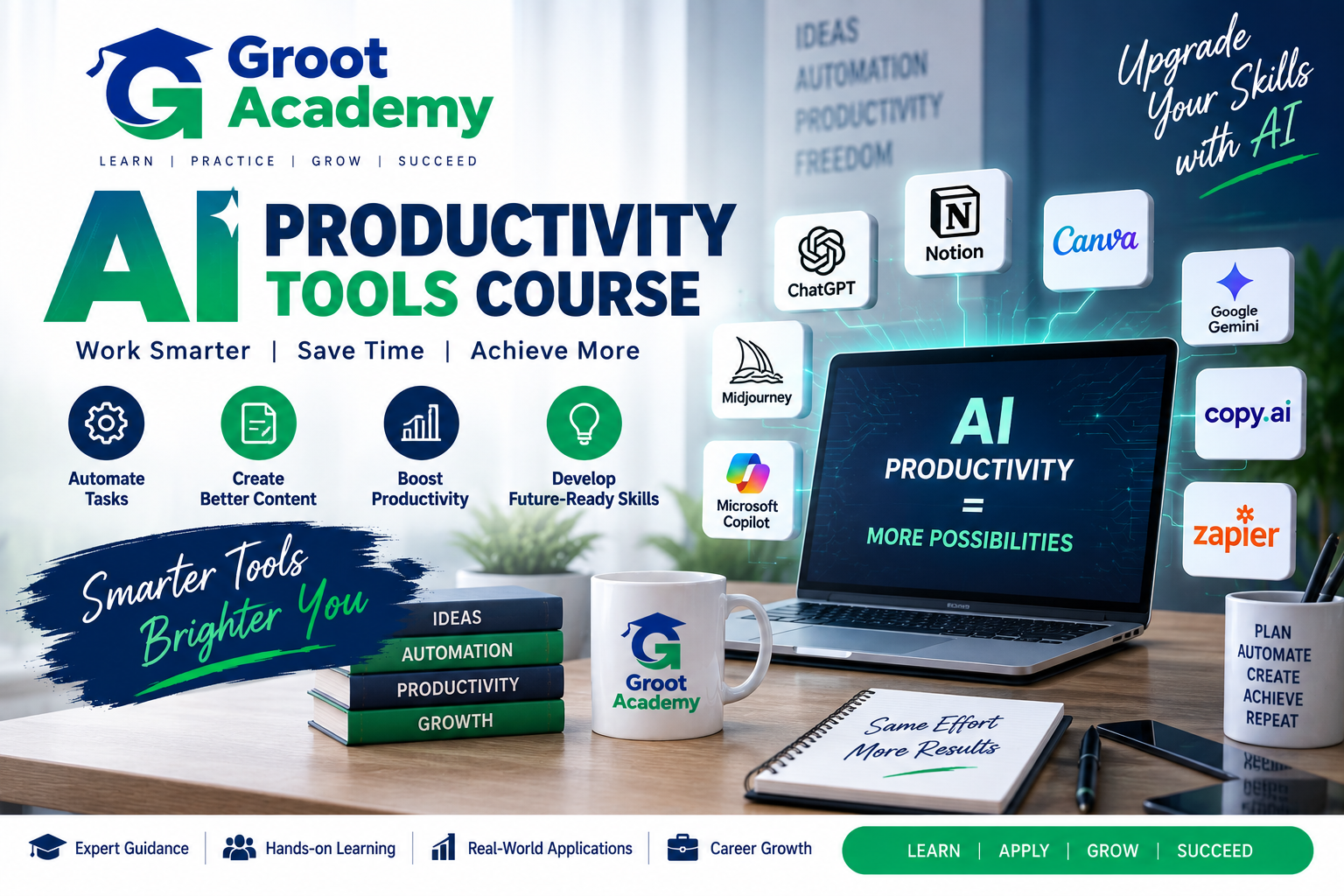
AI Productivity Tools
Build your foundation in AI Productivity Tools
Explore practical AI assistance for workplace writing, research, documents, spreadsheets, meetings and repeatable workflows. The learning outline emphasizes checking accuracy, protecting information and using responsible judgment alongside productivity tools.
Who can join?
Learners interested in AI support for everyday work, business communication, research and productivity tasks.
Skills and tools
Course curriculum
Explore the published learning outline below. Confirm the detailed syllabus and module coverage for your chosen batch with the course team.
AI productivity foundations
Choose tools and identify everyday use cases.
- Introduction to AI Productivity
- AI Tools and Everyday Use Cases
- Choosing the Right AI Tool
- Building an AI-First Productivity Mindset
AI assistants and prompting
Provide context, iterate on results and develop reusable prompts.
- AI Assistants Fundamentals
- Prompt Structure and Context
- Prompting for Better Results
- Reusable Prompt Templates
Professional writing and summaries
Draft, rewrite and summarize workplace content.
- AI Email Writing
- AI Rewriting and Editing
- Summarization and Note Creation
- Professional Content Drafting
Research and source checking
Organize research and verify information against sources.
- AI Research Fundamentals
- Research Prompts and Source Checking
- Summarizing Documents and Articles
- Organizing Research with AI
Documents and presentations
Structure documents and slides around a clear purpose.
- AI-Assisted Document Creation
- AI Presentation Generators
- Presentation Structure and Storytelling
- Improving Slides with AI
Spreadsheets and reports
Use assistance for formulas, cleaning, summaries and insights.
- AI for Spreadsheet Tasks
- Formula and Data Assistance
- Data Cleaning and Summarization
- AI-Assisted Reports and Insights
Meetings and knowledge management
Organize meeting notes, action items and reusable knowledge.
- AI Meeting Assistants
- Meeting Notes and Summaries
- Action Items and Follow-Ups
- Knowledge Management with AI
Creative productivity
Explore content ideation, images and social content workflows.
- AI Content Ideation
- AI Image Generation Fundamentals
- AI Social Media Content Workflows
- Creative Productivity with AI
No-code automation concepts
Plan repeatable workflows and connections between productivity tasks.
- Automation Fundamentals
- Connecting AI with Productivity Workflows
- No-Code AI Automation Concepts
- Designing Repeatable AI Workflows
Business applications
Explore marketing, sales, HR, operations and customer communication.
- AI for Marketing and Sales
- AI for HR and Operations
- AI for Customer Communication
- AI for Business Research
Accuracy, privacy and responsible use
Check results, protect information and evaluate productivity systems.
- AI Accuracy and Fact Checking
- Privacy and Responsible AI Use
- Building Personal AI Productivity Systems
- Measuring Productivity Improvements
Practical workflow projects
Complete and document integrated productivity exercises.
- End-to-End AI Productivity Project
- Professional AI Workflow Project
- Final Practical Assessment
- AI Productivity Portfolio and Interview Preparation
Workflow practice
Use the source-listed project briefs to discuss tools, task scope, accuracy checks and information handling with the course team.
End-to-End AI Productivity Project
Combine several workplace tasks in a documented workflow.
Professional AI Workflow Project
Plan, test and review a repeatable workflow with appropriate accuracy and privacy checks.
Frequently asked questions
How does this differ from Generative AI training?
This outline focuses on using AI tools for everyday work, communication and no-code productivity workflows. The Generative AI course also covers model concepts, Python/API foundations and application prototypes.
Which workplace tasks are covered?
The outline includes writing, research, documents, slides, spreadsheets, meeting notes, content ideation and business communication.
Are accuracy and privacy covered?
Yes. Dedicated source topics include fact checking, privacy, responsible use and measuring productivity improvements.
Are practical projects included?
The source outline includes end-to-end and professional workflow projects, a practical assessment and portfolio preparation.
Who is this course for?
Learners interested in AI support for everyday work, business communication, research and productivity tasks.
How can I confirm fees, duration and batch timings?
Contact Groot Academy for the current syllabus, fees, duration and available learning modes before enrolling. These details depend on the selected course and batch.
Ready to discuss AI Productivity Tools?
Ask the course team about syllabus coverage, current batch timings, fees, duration and learning modes before you decide.