


OWASP Top 10 Study Plan for Beginner Web Developers
Study common web application security risks using a safe local example application and documented defensive checks.
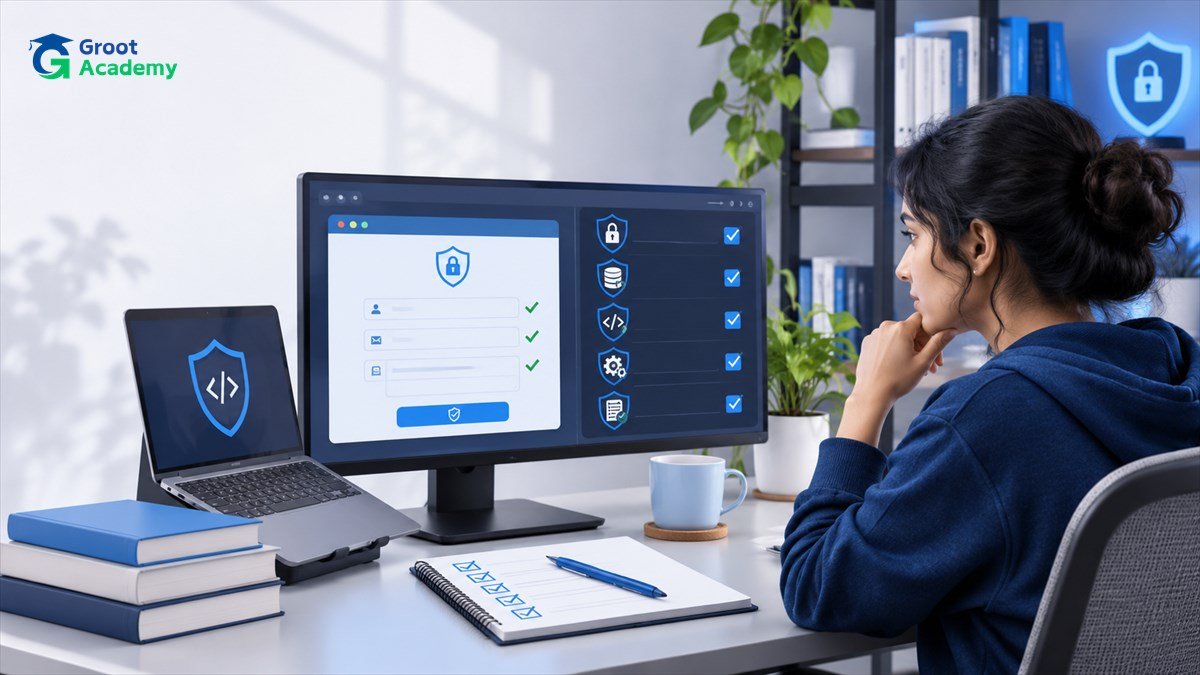
Study common web application security risks using a safe local example application and documented defensive checks.
Why this skill matters
Reading a list of vulnerabilities is not the same as understanding why an application is exposed and how development practices reduce risk.
Start by defining a small outcome you can verify. Record the input, intended output, actual output and what you would change for another version. That creates stronger learning evidence than simply listing tools on a profile.
Practical learning steps
- Exercise 1. Set up an intentionally vulnerable educational lab locally or use code examples without exposing a public system. Write down authorization requirements and the difference between a logged-in user and an administrator.
- Exercise 2. Practice validating input and using parameterized database queries in a toy application. Test both ordinary and invalid inputs to see whether errors are handled safely.
- Exercise 3. Review dependency updates, access controls, secure session cookies and error logging. Record which protections can be verified with automated tests and which need manual review.
Common mistakes and quality checks
Only test systems you own or are explicitly authorized to assess. Do not use production student data or treat a classroom exercise as a penetration-test authorization. Consult OWASP's current official guidance for the latest category names.
Keep a separate test checklist, including empty inputs, invalid data, the ordinary case and any special case specific to this project. Document platform or library versions if the result depends on them.
How to continue learning
Write a concise README containing the objective, setup requirements, sample data, validation steps and unresolved limitations. Use only fictional or authorized information in publicly shared work.
Continue with the related Groot Academy learning guide, explore the course directory, or return to all career and technology articles.
Frequently asked questions
Do I need prior professional experience?
No professional experience is assumed for this introductory exercise. Review its prerequisite skills and build the smallest version first.
What should I include in a portfolio?
Include the problem, reproducible steps, relevant tests and an explanation of trade-offs. Avoid unsupported performance or employment claims.
Build skills through hands-on practice
Explore course outlines and choose a learning path that matches your prerequisites.
View courses